What Is a Transparent Background for Etsy Sellers?
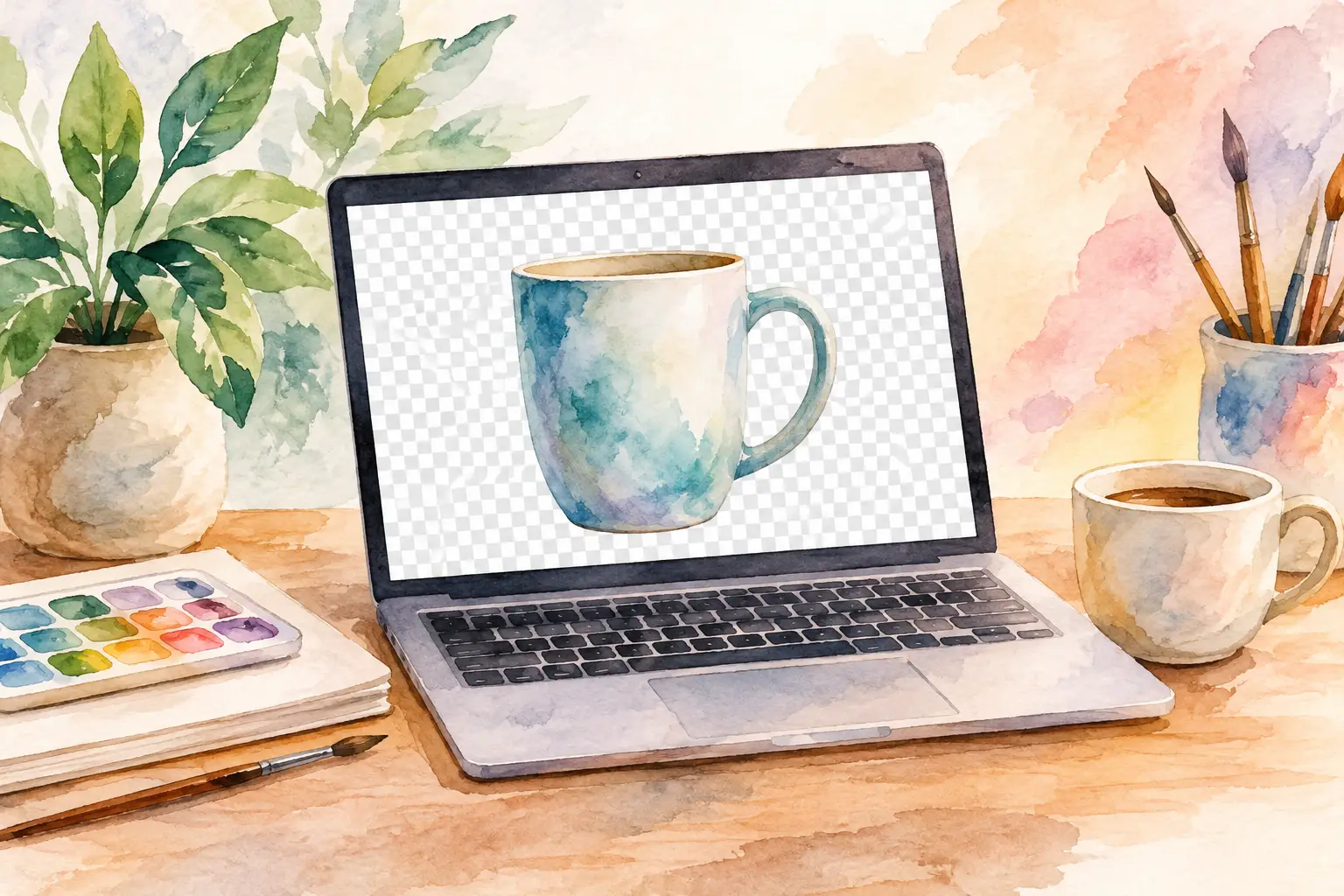
A clip-art buyer drops your floral bunny onto a dark invitation, a pastel tumbler wrap, or a scrapbook page. If it comes with a white box around it, the design looks unfinished in seconds. That is why understanding what is transparent background matters when you sell digital art: it gives buyers an asset they can place almost anywhere without spending time cleaning it up first.
For an Etsy shop, transparency is not just a file setting. It is part of the product experience. It turns a single illustration into usable clip art, a sticker design, a print-on-demand graphic, or a flexible addition to a planner page. When your files are clean, your listings look more professional and your buyers get exactly what they expected.
What Is a Transparent Background?
A transparent background is an area of an image that has no visible color behind the subject. Instead of a white, black, or colored rectangle, the background is empty. Whatever a customer places behind the image will show through.
Think of a watercolor lemon illustration. On a white background, the lemon can only sit cleanly on white. With transparency, the same lemon can appear on navy stationery, a clear sticker sheet preview, a kitchen towel mockup, or a layered digital journal page without a visible border.
Most design software shows transparent areas as a gray-and-white checkerboard. That checkerboard is only a visual cue inside the editor. It does not print, export, or appear in the finished file. If you see the checkerboard in a downloaded image, however, it may mean the file was saved incorrectly or the preview was captured instead of the actual transparent PNG.
Transparency is stored in something called an alpha channel. You do not need to manage that technical detail to sell files confidently, but it explains why file format matters. A file needs to support that extra layer of information to preserve the empty area around your artwork.
Why Transparent PNGs Sell Better in Many Etsy Niches
Buyers are rarely purchasing an image just to look at it. They are purchasing an easier project. A transparent PNG removes a step from their workflow, which makes it more useful than the same image sitting on a solid background.
This matters most for clip-art bundles, sublimation graphics, print-on-demand designs, stickers, digital planners, junk journals, and editable craft projects. A teacher can place a transparent classroom icon on a worksheet. A small business owner can use a transparent holiday graphic in a social post. A crafter can size a PNG for a shirt without first trying to erase a white square.
It also gives you more mileage from one collection. A coordinated set of woodland animals, for example, can become a clip-art bundle with transparent PNGs, wall art with intentional backgrounds, sticker sheets, and planner covers. The core art direction stays consistent while each product is prepared for its job.
That does not mean every product should have a transparent background. Printable wall art usually needs a finished background because the buyer is meant to print and frame the complete design. Digital paper needs a full pattern from edge to edge. Coloring pages normally need a white page and crisp line work. The right choice depends on how the customer will use the file.
PNG vs. JPEG: The File Choice That Changes Everything
PNG is the standard format for artwork that needs transparency. It can retain clear background areas and generally keeps illustrated edges sharp, which is useful for clip art, logos, stickers, and detailed graphics.
JPEG does not support true transparency. If you export artwork with a transparent background as a JPEG, the empty area must be replaced by a color, often white. JPEG is still useful for finished wall art and other full-bleed printables, especially when a smaller file size helps, but it is the wrong delivery format for transparent clip art.
A simple rule for your shop: use PNG when the buyer needs to layer, move, or place your design on a different background. Use JPEG when the background is deliberately part of the final artwork.
PDF can also work well for certain printables, but it is not a substitute for a transparent PNG bundle. Buyers looking for clip art often expect individual PNG files they can drag into their own software with minimal effort.
How to Tell Whether a Background Is Actually Transparent
A white-looking background is not automatically transparent. Many product previews use white backgrounds because they are easy to view, so you need to check the exported file rather than relying on the listing image.
Open the PNG in an editor that displays transparency with a checkerboard pattern. Then place the image over a dark color and a bright color. If the subject sits cleanly on both, with no box behind it, the background is transparent. If you see white, gray, or colored pixels around the illustration, it needs more cleanup.
Pay close attention to the edges. Hair, fur, watercolor paint, thin leaves, lace, and soft shadows are common trouble spots. A quick background removal can leave a pale halo around the subject. On a white preview it may look fine; on a dark background it becomes obvious.
For Etsy sellers, this quality check protects more than one sale. Buyers remember whether a file was easy to use. Clean edges lead to better reviews, fewer support messages, and stronger trust in your next bundle.
Creating Transparent Backgrounds Without the Editing Spiral
The old workflow was tedious: generate or source art, remove the background, zoom in, erase edge artifacts, resize the file, export it, organize it, and repeat for every variation. That is exactly how a promising product idea turns into a lost weekend.
A better production workflow starts with the end use. Decide whether you are creating clip art, stickers, a shirt graphic, or finished printable art before you create the collection. For clip art and isolated designs, generate images with clear subject separation and enough space around the edges. Busy scenes, overlapping objects, and backgrounds that share the same colors as the subject are harder to isolate cleanly.
Then remove the background, inspect the edges, and export at the dimensions your customer needs. For print-focused products, 300 DPI is a useful production standard, but DPI alone does not create a high-quality file. Pixel dimensions matter too. A small image tagged as 300 DPI will still print small or look soft when enlarged.
Keep your files organized with names buyers can understand, such as `pink-floral-bunny.png` rather than `image-0047-final.png`. If you sell a bundle, consistent names and a clear folder structure make the download feel finished instead of improvised.
InkEngine helps sellers turn one creative direction into coordinated, print-ready assets, including clean transparent PNGs, so you can spend less time bouncing between generators, editors, and export tools.
Product Preview vs. Product File
This distinction prevents a lot of buyer confusion. Your listing thumbnail should not usually show a checkerboard behind the design. It is better to show the transparent artwork on a tasteful mockup, a solid color, or a sample project that makes the use case obvious.
But be clear in your images and description that the delivered file has a transparent background. Say whether buyers receive PNG files, how many designs are included, and whether any mockup elements are for display only. A buyer should never have to guess whether they are getting clip art or a flattened image.
Show the artwork in context, too. A transparent PNG of a ghost illustration becomes more compelling when buyers can see it on a shirt, gift tag, tumbler, or party invitation. You are not changing the file. You are showing the possibilities that transparency creates.
Common Mistakes That Make Transparent Files Feel Cheap
The biggest mistake is exporting the right artwork in the wrong format. A JPEG may look perfect on a white listing background but disappoint a buyer the moment they place it on a colored design.
The next issue is over-removal. If background removal eats into fine details, leaves jagged edges, or cuts away part of a watercolor wash, the art loses its handmade appeal. Clean does not mean harsh. Preserve intentional soft edges and shadows when they belong to the style.
Also avoid promising transparency for every file in a mixed bundle. If a pack includes both transparent clip art and full-background papers, label each format clearly. Buyers appreciate direct information, and clear expectations reduce refund requests.
Finally, do not confuse a transparent background with permission to use any image anywhere. Transparency changes the file's flexibility, not its licensing terms. Make sure your artwork and any tools used to create it support the commercial use you plan to offer.
A transparent background is a small technical detail with a big commercial payoff. When buyers can drop your art into their own projects without cleanup, your product becomes easier to use, easier to recommend, and far more likely to earn its place in their next download folder.
Fill your shop with a matching collection this weekend.
Start your first collectionFree to start. No credit card.