Background Remover Tool Review for Etsy Shops
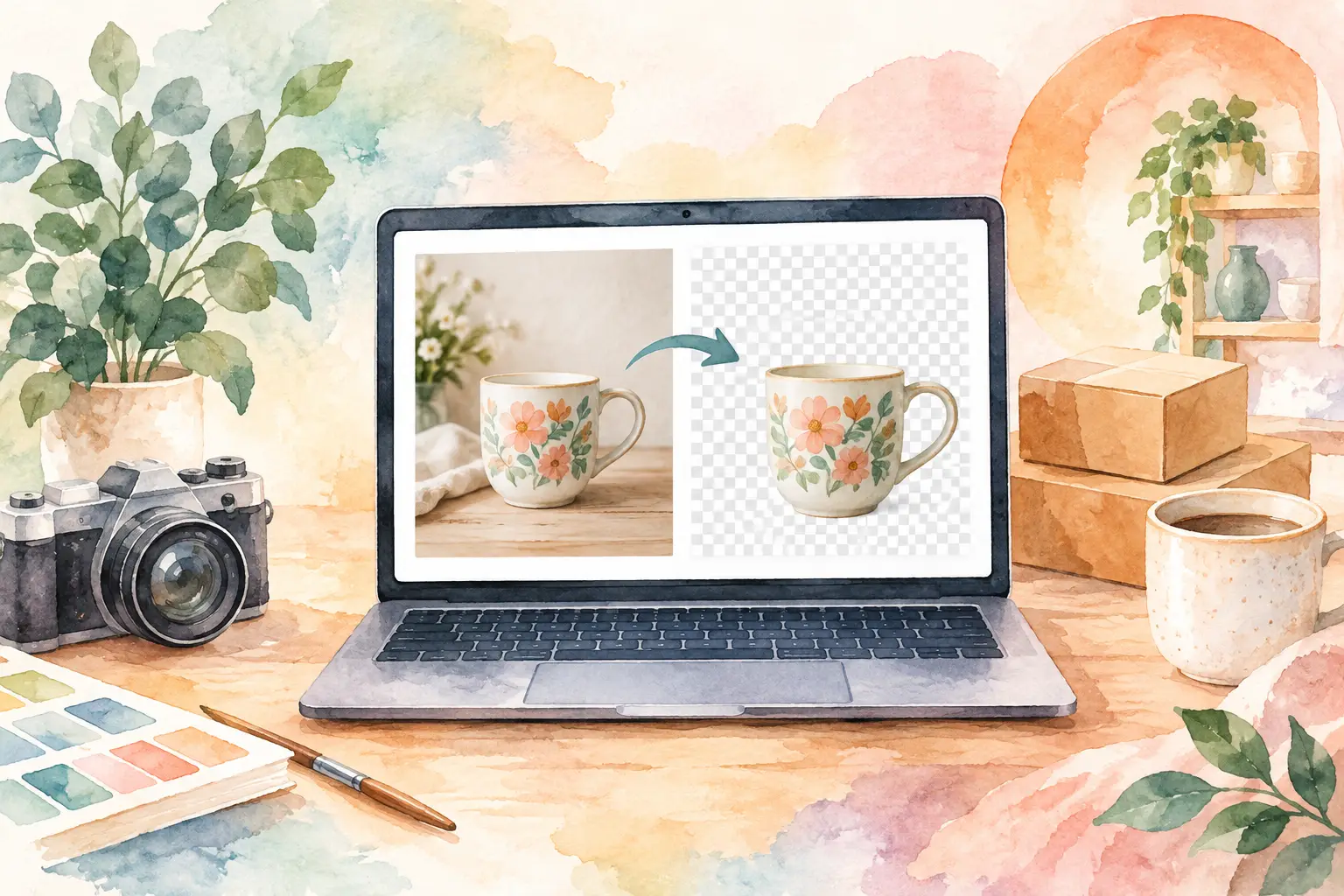
A flower clip-art set can look finished in the generator preview and still take an hour to turn into a sellable Etsy download. The usual culprit is the background. This background remover tool review looks at what Etsy sellers actually need from cleanup software: clean transparent PNGs, reliable edges, batch-friendly workflows, and fewer stops between creating an idea and publishing a listing.
For a casual social post, almost any one-click remover may be enough. For a printable watercolor bundle, sticker sheet, or print-on-demand design, the standard is higher. Buyers notice white halos, clipped petals, missing whiskers, and rough edges around lettering. Worse, those small flaws multiply when you are preparing 20, 50, or 100 files for a collection.
What a background remover needs to do for Etsy
A background remover identifies the subject of an image and separates it from the surrounding color, texture, or scene. The result is usually a PNG with transparency behind the artwork. That sounds simple, but Etsy product creation makes the job more demanding than a basic profile-picture edit.
Your final asset may be placed on a journal page, layered into a planner cover, printed as a sticker, or delivered as standalone clip art. It needs to work on light, dark, and patterned backgrounds without bringing along a gray outline or a square of leftover pixels. If you sell digital downloads, it also needs to retain enough detail for the customer to use it after purchase.
The best tool is not automatically the one that produces the most dramatic before-and-after preview. It is the one that helps you create a usable file with the fewest correction steps. That includes how it handles fine details, whether it exports at the resolution you need, and whether it fits the rest of your production process.
Background remover tool review: what separates good from useful
Most background removers fall into three groups: quick standalone web tools, full design platforms, and production-focused AI creation tools. Each can earn a place in an Etsy workflow, but they solve different problems.
Standalone removers are fast, but often create another step
A dedicated removal site is usually the fastest option when you already have a finished image and need one transparent cutout. Upload the file, wait for processing, inspect the result, and download the PNG. For product mockups, simple logos, or a single bold graphic, this is convenient.
The trade-off is tool sprawl. You generate art in one place, remove the background in another, upscale it somewhere else, add a title in a design editor, then organize exports for Etsy. A few minutes per image is manageable until your shop is built on collections instead of one-offs.
Standalone tools can also struggle with pale watercolor edges, thin stems, lace-like detail, semi-transparent paint, and white subjects against light backgrounds. Their automatic decisions may be close enough for a thumbnail but not clean enough for a downloadable asset. Check every file at 100% zoom before including it in a bundle.
Full design platforms offer control, at the cost of labor
Design platforms make sense when your product needs layouts, text, frames, or multiple elements arranged on a page. They give you manual cleanup controls and a place to create listing images. If you already use one daily, its background remover may be good enough for simple work.
But manual editing is still manual editing. You may need to brush back missing areas, erase fringe, duplicate elements, resize pages, and export each format separately. That is a reasonable choice for a premium custom design. It is a poor choice when you want to build coordinated inventory consistently without spending every evening clicking around a canvas.
For Etsy sellers, the question is not whether a design platform can remove a background. Most can. The question is whether it reduces the total time from concept to finished product.
Production tools make more sense for collection sellers
A production-focused creative platform treats background removal as one step in a larger system. Instead of treating each image like an isolated project, it helps turn a single theme into coordinated assets that are ready to finish, export, and list.
That approach matters if you are creating a cottagecore floral set, a retro Halloween bundle, or a nursery animal collection with matching wall art and stickers. Consistency is part of the product. You need subjects that look like they belong together, not 30 files that each require different cleanup decisions.
InkEngine is built around this collection workflow. Its background removal, upscaling, and export options sit beside AI generation and style capture, so sellers can move from one idea to a set of print-ready assets without bouncing between disconnected subscriptions. The goal is not to make you learn more software. It is to get your product files finished.
How to test a remover before you build a product line
Do not judge a tool by one clean photo on its homepage. Test it with the kind of art you sell or plan to sell. A realistic dog portrait, a bold black graphic, and a soft watercolor peony will each expose different weaknesses.
Start with edge quality. Look closely at hair, fur, leaves, tiny cutouts, paint splatter, and thin lettering. A good result preserves the natural edge without leaving a bright or dark halo. If the tool cuts off delicate details, ask whether its manual restore feature is quick enough to use at scale.
Next, test the removed image on more than one background. Put it over white, black, a deep color, and a patterned page. Fringe that disappears on white often shows up immediately on a darker background. This matters for clip-art customers, who may use your asset in designs you cannot predict.
Then inspect size and output quality. A transparent background does not automatically mean a print-ready file. Confirm the exported pixel dimensions and whether the workflow supports high-resolution output suitable for your product type. For printables, 300 DPI at the intended print size is a practical benchmark. A small transparent PNG may look crisp in an Etsy listing image but print poorly for the buyer.
Finally, time a real batch. Process 10 representative images, not one. Include a mix of easy and difficult subjects. Track upload time, processing time, the number of corrections, and export steps. The best result on a single image is not always the best choice when you are creating 40 assets before Friday.
Common cleanup problems that hurt Etsy listings
Background removal does not fix every source-file problem. If the original artwork has a busy background that shares colors with the subject, any automated tool may make imperfect guesses. A white rabbit in a snowy scene and cream lettering on parchment are inherently harder than a dark object on a plain background.
White halos are one of the most common issues. They happen when faint background pixels remain around the subject. Dark halos can appear when a tool overcorrects a dark original background. Both can make a premium-looking watercolor set feel unfinished. Test against contrasting colors before exporting the final bundle.
Another problem is accidental cropping. The remover may interpret a thin branch, a transparent wing, or a faint brushstroke as background. If those details are central to the style, it may be faster to generate an image with a cleaner starting background than to rescue every file by hand.
That is an important production lesson: choose source images that are easy to finish. Clean compositions are not boring. They are efficient, flexible, and easier for buyers to use in their own projects.
The right choice depends on your shop volume
If you need to remove the background from a few product photos each month, a simple standalone tool is likely enough. If you make custom layouts and enjoy hands-on design, a full editor gives you flexibility. There is no prize for using a larger system than your shop needs.
But if your income plan depends on building digital bundles, releasing seasonal collections, or adding new listings every week, count the hidden work. Background removal should not become a separate mini-project for every image. Choose a workflow that keeps creation, cleanup, resolution, and export close together.
A transparent PNG is not just a cleaned-up image. For an Etsy seller, it is a reusable product component: one that can become clip art, stickers, planner pieces, mockup elements, and bundle extras. Pick the tool that lets you produce more of those components without giving up the quality your customers paid for. Your next collection should leave you with more inventory, not another weekend of cleanup.
Fill your shop with a matching collection this weekend.
Start your first collectionFree to start. No credit card.