Photoshop Versus AI Workflows for Etsy Shops
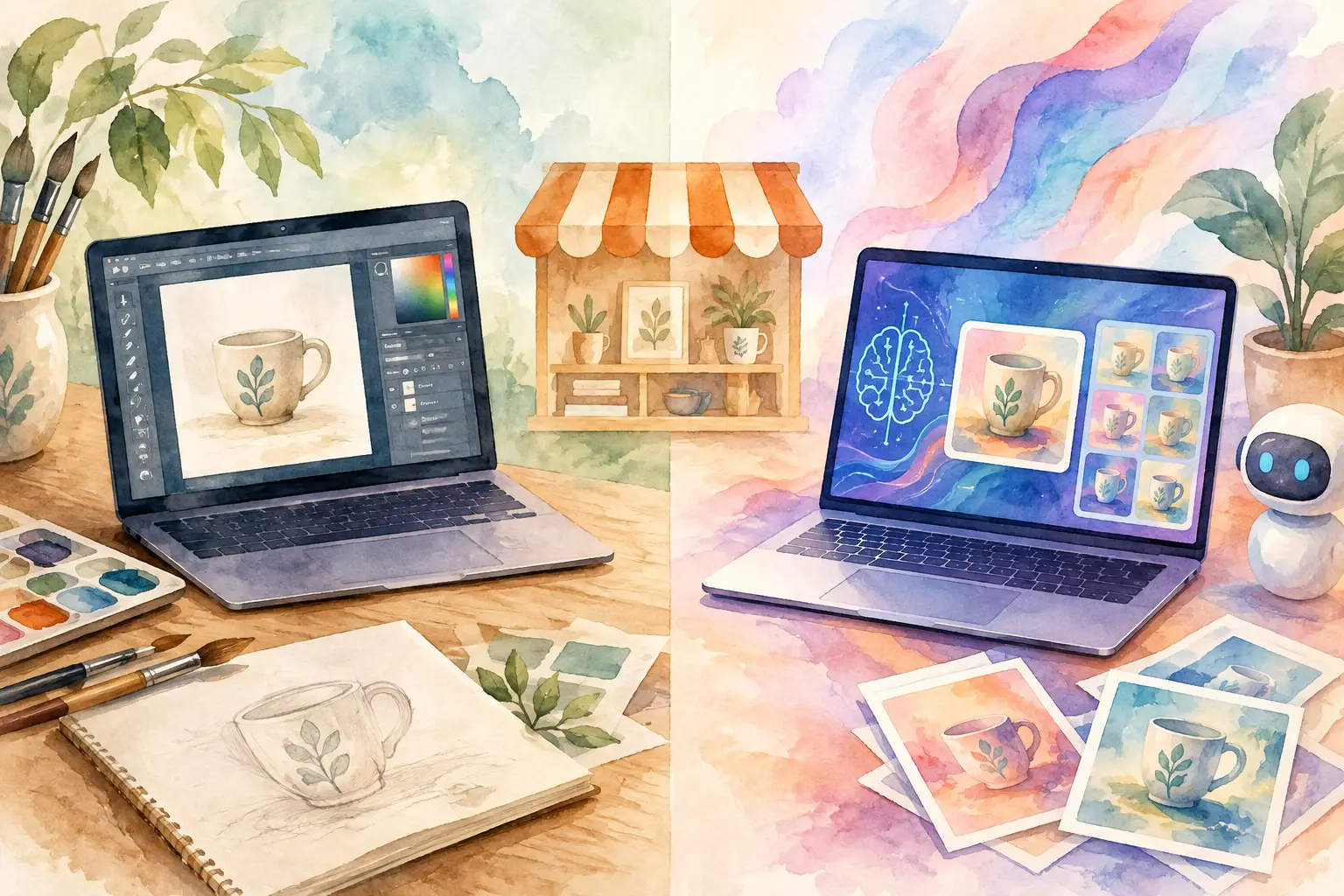
A single printable is rarely the job. For an Etsy seller, one good idea usually needs to become a wall-art set, a few matching sizes, a clip-art bundle, listing images, maybe a planner cover, and files customers can actually download. That is where Photoshop versus AI workflows stops being a design debate and becomes a production decision.
If your shop depends on turning ideas into inventory, the question is not whether Photoshop is powerful. It is. The real question is whether its manual process matches the volume, consistency, and speed your shop needs.
Photoshop Versus AI Workflows: The Real Difference
Photoshop is a hands-on editing environment. You decide what to make, source or create the artwork, open files, build layers, adjust colors, remove backgrounds, resize exports, and repeat the process for every variation. For a highly specific edit or a complex composite, that control can be exactly what you want.
AI workflows start from a different assumption: the seller needs a finished product line, not just one image. You begin with a concept, style reference, or prompt, then the system helps create variations around it. The strongest workflows also handle the work after generation - organizing a cohesive collection, preparing clean files, creating transparent PNGs where needed, upscaling artwork, and exporting formats that fit an Etsy listing.
That distinction matters because Etsy customers often buy coordination. A shopper looking for a woodland nursery print may also want matching animals, neutral colors, a second quote design, and clip art for party stationery. A beautiful one-off image can attract attention. A thoughtful collection gives your customer more reasons to buy.
What Photoshop Still Does Better
Photoshop earns its place when precision is the product. If you need to make a small correction to a logo, match an exact brand color, restore a damaged image, or create a detailed layout with text placed at precise measurements, manual editing gives you direct control over every pixel.
It can also be the better choice for sellers who already have deep design skills and a workflow that is working. If you sell custom client work at a premium, the extra time spent polishing one personalized design may be worth it. The same is true when the file requires technical construction that an AI generator cannot reliably produce, such as a carefully edited photo composite or a template with many editable layers.
But that control comes with a cost. Every decision is yours, every variation is another file, and every export is another step. Photoshop does not brainstorm a matching bundle for you. It does not turn one watercolor mushroom concept into 40 coordinated assets while you work on your next listing. You can build that system yourself, but you are also the system.
For many side-hustle sellers, that is where the bottleneck starts. The idea is not the problem. The repetitive execution is.
Where AI Workflows Change the Math
A useful AI workflow does more than generate an attractive image. It compresses the production steps between a marketable idea and a finished listing.
Instead of opening a blank canvas, you can start with a direction: retro pink Christmas, cozy cottagecore vegetables, celestial nursery animals, or a clean boho birth-month flower look. From there, AI can produce related images and planned variations that feel like they belong in the same shop section.
This is especially valuable for digital products because your inventory has no shelf limit. You are not choosing between making ten designs and making one. You are choosing between spending ten separate blocks of time on manual production or building a collection while the work runs in the background.
The right workflow also closes the gap between creation and selling. Etsy customers do not need a promising draft. They need files that are clean, high-resolution, correctly sized, and easy to use. A sticker seller needs cut-ready transparent PNGs. A wall-art seller needs print-ready JPEGs. A junk-journal creator needs a coordinated paper set that looks intentional, not like random images placed in one folder.
That is why general image generators can still leave sellers with too much work. They may help you create an image, but then you need separate tools for background removal, upscaling, layouts, titles, exports, and file organization. Tool sprawl quietly eats the time AI was supposed to save.
The Etsy Workflow Test: One Design or a Sellable Collection?
The easiest way to choose is to look at the output you need at the end of the day.
If you are creating one custom piece with detailed client feedback, Photoshop may be the right production tool. If you are filling a shop with downloadable collections, the better question is: how many manual touchpoints does this workflow create before I can publish?
A practical Etsy workflow should move through four stages: create, finish, export, and list. If you have to jump across several apps to complete those stages, your production capacity is being limited by software management instead of your ideas.
Consider a popular seasonal theme, like vintage Halloween. In Photoshop, you might manually create a black cat illustration, duplicate the file, change the pose, remove the background, add a second object, resize the canvas, and repeat until you have enough pieces for a bundle. Then you still need listing graphics and exports.
With an AI collection workflow, the goal is to define the visual direction once and generate a set of coordinated pieces around it. You can review the results, choose the strongest assets, add a title or simple layout, and prepare the files for sale. The seller remains the creative director. The machine takes on the repetitive production labor.
That does not mean every image is instantly perfect. You still need judgment. Check hands, lettering, small details, and anything that could confuse or disappoint a buyer. Review your file dimensions and make sure the product matches what your listing promises. AI makes the first 80 percent faster. Your taste and quality control protect the last 20 percent.
Consistency Is the Part Most Sellers Underestimate
Generating individual AI images is easy. Building a collection that looks professionally merchandised is harder.
When products are inconsistent, customers feel it before they can explain it. One image may be soft and painterly, the next overly realistic. Colors drift. Subject scale changes. Backgrounds clash. The listing starts to look like a folder of experiments instead of a product line.
Photoshop can solve consistency through templates, color rules, saved actions, and careful manual direction. That approach works, but it requires discipline and time. AI workflows can help by using a captured style or reference image as the collection anchor, then planning variations that retain the same visual language.
For Etsy, this is not just a design preference. Consistent collections are easier to bundle, easier to photograph in listing mockups, and easier to turn into related products. One botanical style can become wall art, a calendar cover, journal papers, stickers, and print-on-demand designs without forcing you to reinvent the look five times.
Do You Need to Pick One?
Not necessarily. The smartest setup for many sellers is AI first, Photoshop only when needed.
Use AI for idea expansion, collection generation, and the repeatable production tasks that keep your shop stocked. Then use Photoshop as a specialty tool for rare edits that demand manual precision. This keeps you from paying the time tax of building every product by hand while preserving control when a product genuinely calls for it.
The problem is not Photoshop. The problem is using a one-image editing tool as your entire inventory engine when your business needs coordinated output at volume.
InkEngine is built around that collection-first approach. Rather than asking you to become a prompt engineer or a full-time designer, it turns one creative direction into sellable visual assets, then helps finish them with background removal, upscaling, layouts, and Etsy-ready exports. You spend your attention choosing ideas worth selling, not babysitting files.
Choose the Workflow That Gives You Your Time Back
Your shop does not grow because you spent three hours fixing layers. It grows when strong ideas become clear, useful products that customers can find and buy.
Keep Photoshop for the moments that require your hands. For the repeatable work of building cohesive digital inventory, choose a workflow designed to carry the production load. Your next collection can start with one good idea - and leave you with enough time to actually list it.
Fill your shop with a matching collection this weekend.
Start your first collectionFree to start. No credit card.