AI Sticker Design Generator for Etsy Shops
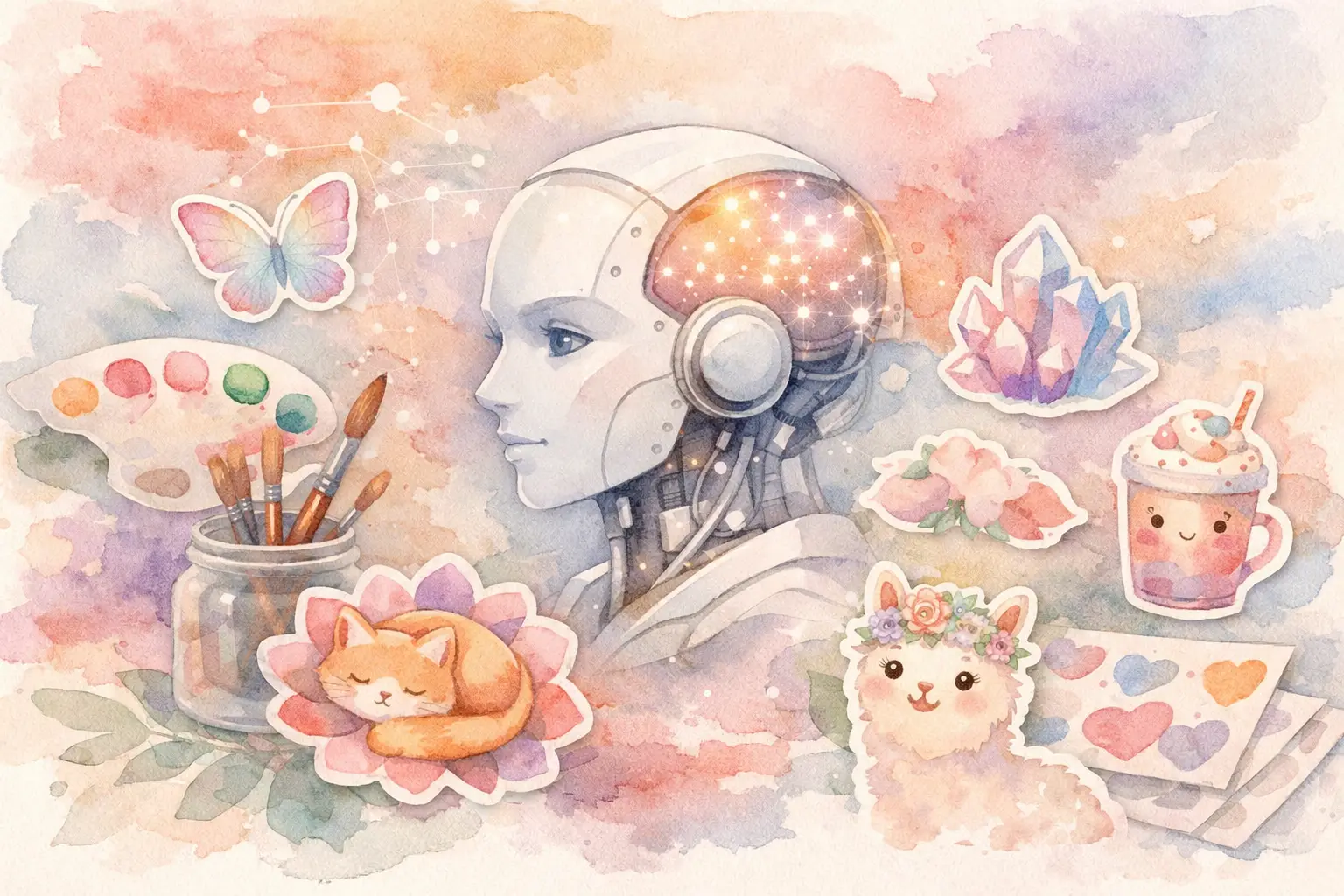
A sticker trend can move from a passing idea to a crowded Etsy search result before you finish drawing the first sheet. That is why an AI sticker design generator is most useful when it does more than make one cute image. For a working Etsy seller, the real job is turning a concept into a coordinated set of sellable files: individual stickers, a bundle cover, clean transparent PNGs, and enough variation to make the listing feel worth buying.
You do not need an art degree, a stack of editing apps, or an afternoon spent learning prompt formulas to build that kind of inventory. You do need a workflow that protects your creative direction while removing the repetitive production work.
What an AI Sticker Design Generator Should Actually Do
A basic image generator can give you a rabbit in a raincoat, a smiling coffee cup, or a retro flower. Nice. But a single image is not a sticker collection, and a collection is what gives your Etsy shop more ways to sell.
A useful generator should help you take one theme and produce a family of related assets. If your idea is “cozy bookish ghosts,” the output should not wander from watercolor ghosts to glossy 3D characters to spooky neon clip art. It should hold onto the same palette, line weight, mood, and level of detail across the set.
That consistency matters because buyers often use stickers together. They want a pack that feels intentional on a planner page, a laptop, a journal spread, or a digital notebook. It also makes your listing images stronger. A coordinated collection looks like a finished product. A group of unrelated AI images looks like what it is: unrelated images.
The best workflow also handles the unglamorous parts. Sticker files need clean edges, transparent backgrounds when appropriate, practical dimensions, and enough resolution for the product you are promising. You should be spending your attention on what belongs in the collection, not manually removing white backgrounds from twenty files.
Start With a Product Idea, Not a Vague Prompt
The fastest way to create generic sticker art is to ask for “cute stickers” and hope for the best. Start by deciding what the buyer is actually getting.
A small themed pack might include 12 to 20 individual PNG stickers. A larger digital bundle could include 30 or more elements, a preview sheet, and a coordinated cover. For print-on-demand, you may need one standout design with a transparent background, while a planner audience may value smaller functional icons and labels.
Your concept needs three simple decisions: the audience, the visual style, and the product use. “Funny plant stickers for millennial apartment renters in a flat retro palette” gives the generator a much better lane than “plants.” So does “soft pastel school supply stickers for digital planners” or “bold western cowgirl icons for water bottle decals.”
Think in product families, too. A strawberry theme can become sticker elements, clip art, journal cards, planner covers, and wall art. You do not have to make every format at once. But choosing a direction with room to expand helps you build a shop with connected inventory instead of one-off listings.
Build the Collection in Four Production Steps
1. Set the visual direction
Use a short, specific creative brief. Name the central subject, the style, the palette, and the feeling. Add useful constraints, such as thick white sticker borders, simple shapes, no text, or transparent-background-ready subjects.
Reference images can be especially helpful when you already know what your brand should look like. A mood board, a previous best-selling listing, or a color reference gives you a clearer starting point than trying to describe every visual detail from scratch. The goal is not to copy another creator's work. It is to capture your own established direction and make new, original assets that belong in your shop.
2. Plan variations before generating
Do not generate the same character twenty times and call it a bundle. Give each sticker a role. For a cozy ghost pack, you might plan a ghost reading, holding tea, carrying books, wearing headphones, sitting on a pumpkin, and waving from a blanket fort.
This is where sellers save serious time. Instead of reacting to every image one by one, create a variation plan first. You get more useful diversity, fewer duplicates, and a collection that feels complete. It also prevents a common AI problem: beautiful images that cannot fill a product bundle because they all show nearly the same pose.
3. Generate for cohesion, then select with a seller's eye
AI can create options quickly. Your job is to choose the ones a buyer would recognize as part of the same pack. Keep images with consistent colors, character proportions, outlines, and visual energy. Remove anything that is off-theme, oddly cropped, or too detailed to read at sticker size.
This is not about accepting every output. It is about avoiding the slowest version of the job: creating every asset from zero, editing it in separate software, then trying to force a match. InkEngine's collection workflow is built around this production reality, helping sellers move from a single direction to coordinated visual assets rather than isolated generations.
4. Finish files for the way customers use them
A great sticker design still creates support messages if the download is confusing or the files are hard to use. Export individual PNGs with transparent backgrounds when that is the promised format. Keep a clearly named folder structure, and include a preview sheet so buyers can see the full set before opening every file.
For printable sticker sheets, make sure your layout and file size suit the intended print use. For digital planners, individual transparent PNGs are usually more flexible. For physical products, check your print partner's size and file requirements before designing around a format that will not reproduce well.
Technical Checks That Protect Your Listings
Etsy buyers are not shopping for your creative process. They are shopping for files that work. Before publishing, inspect every collection for clean cutout edges, no accidental background fragments, consistent margins, and readable details at a smaller scale.
Resolution depends on the product. If you are selling printable sticker sheets, 300 DPI is a practical standard for crisp home printing. If you are offering digital stickers for Goodnotes or similar apps, transparent PNGs and clear pixel dimensions matter more than print DPI alone. It depends on the use case, so write the listing around the files you actually provide.
Naming is part of the product experience. “Cozy_Ghost_01.png” is better than a random generated filename. Buyers should be able to download the bundle, understand it immediately, and start using it without sending a message. That is a small operational detail that leads to better reviews and fewer refunds.
Also check commercial terms before you list. Your customers need to know whether the files are for personal use, small-business use, or another license level. You also need to understand the commercial selling rights attached to the tools and source assets you use. Clear terms protect your shop and make buyers more confident.
Where AI Sticker Generators Need Human Judgment
AI is fast, but it is not your product manager. It may produce extra fingers, unclear objects, inconsistent lettering, cluttered compositions, or designs that look too close to a recognizable protected character or brand. Those issues are not minor when you are selling downloadable products.
Text is another trade-off. AI-generated lettering can look appealing at first glance but become unreadable when enlarged or printed. If your sticker pack depends on phrases, consider using a title and layout editor to add clean, intentional text after the art is generated. You get the speed of AI imagery without asking it to handle every production task.
Avoid building your shop around whatever the generator happens to produce. Use it to execute your product direction faster. Your market knowledge still decides whether a theme has demand, whether the bundle is priced well, and whether the listing speaks to the right buyer.
Build Inventory, Not Just Images
The strongest use of an AI sticker design generator is not making a single viral design. It is creating a repeatable system for publishing collections. One idea can become a sticker pack this week, a matching clip art bundle next week, and seasonal variations when buyer demand changes.
Choose one audience you understand, give them a specific themed collection, and finish the files so they are ready to use. Then let the production work happen in batches. Your next best-selling sticker bundle may start as one sentence, but it earns its place in your shop when it becomes a complete, polished product buyers can download with confidence.
Fill your shop with a matching collection this weekend.
Start your first collectionFree to start. No credit card.