AI Seamless Pattern Generator for Etsy Shops
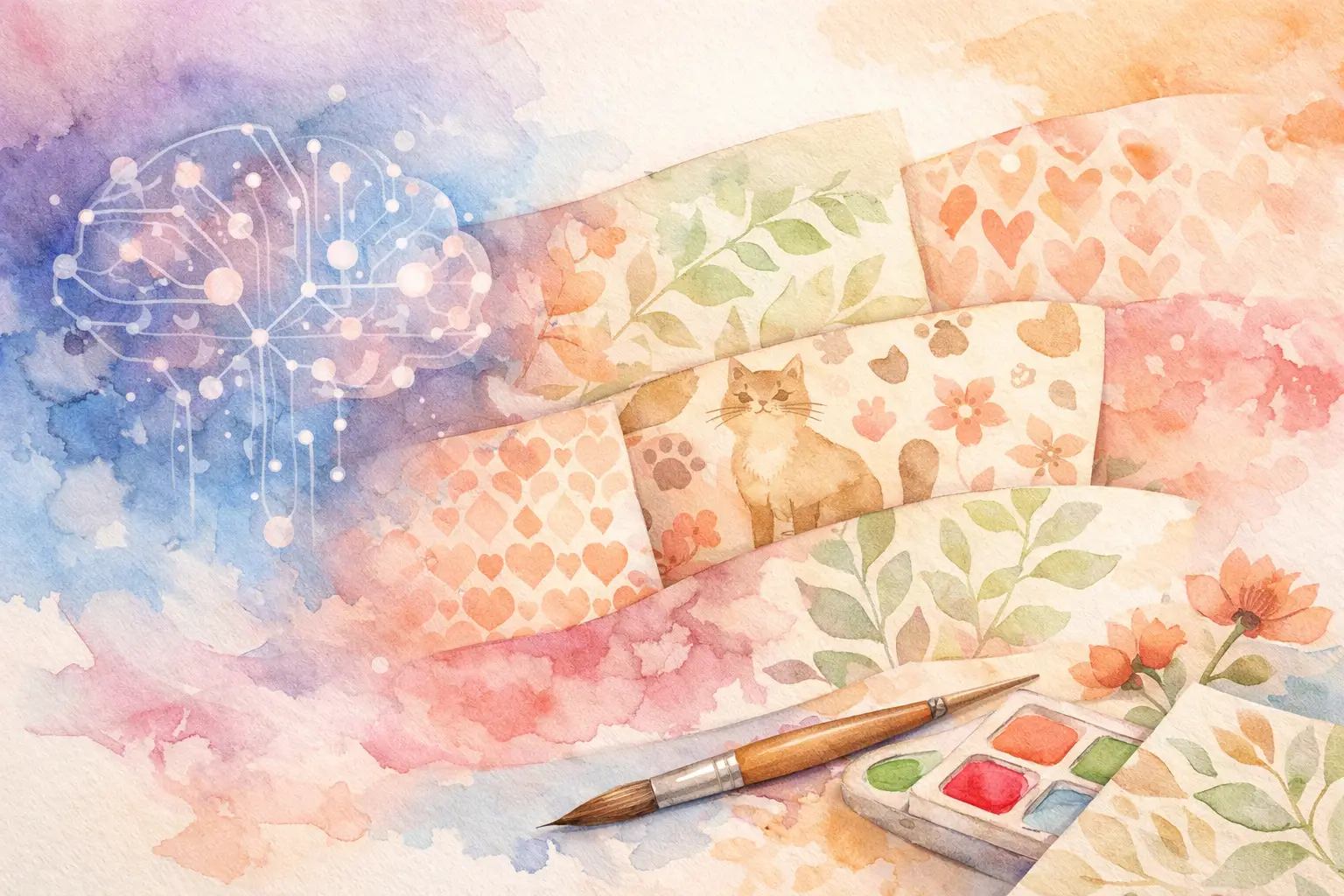
A single floral repeat can become a scrapbook paper pack, a planner cover, a phone wallpaper, a fabric-style background, and a dozen product mockups. The problem is not finding one pretty image. It is producing enough matching inventory to make your Etsy shop look intentional. An AI seamless pattern generator can cut that production time down dramatically - if you use it as part of a collection workflow instead of treating every pattern as a one-off experiment.
For digital-product sellers, repeat patterns are not just decorative assets. They are flexible building blocks. A strong pattern can support multiple listings, seasonal bundles, and coordinated product lines without forcing you to start from a blank canvas every time.
What an AI Seamless Pattern Generator Actually Does
An AI seamless pattern generator creates artwork designed to repeat edge to edge. When the image is tiled horizontally or vertically, the left, right, top, and bottom edges are intended to meet without an obvious break. That makes the design useful for digital papers, printable backgrounds, wrapping paper, fabric-inspired products, planner inserts, and print-on-demand surfaces.
The practical value is speed, but speed alone does not make a pattern sellable. Etsy buyers notice when a repeat has awkward cut-off flowers, a strange line at the tile edge, or a busy layout that cannot support text. AI can give you a fast starting point. Your job is to choose a direction that fits a real product and then turn the result into a usable collection.
That is where many general image tools create extra work. They may generate an attractive square image, but you still need to test the repeat, create variations, remove backgrounds for coordinating elements, size files correctly, and package everything for customers. A pattern generator is most valuable when it helps move the whole idea toward a finished listing.
Start With a Product Direction, Not a Random Prompt
Before generating anything, decide what the pattern needs to sell. “Cute flowers” is not a product direction. “Soft pink spring floral digital paper for baby shower invitations” is. The second idea tells you the buyer, season, color range, scale, and likely file format.
A useful direction has three parts: a subject, a style, and a use case. For example, you might create hand-painted strawberries in a retro kitchen palette for junk-journal papers. Or you might choose small celestial moons in muted navy and gold for planner covers. This keeps the artwork focused and gives you a natural path to related products.
Scale matters more than many new sellers expect. Large motifs can look great as a single poster background but feel clumsy on small planner pages or gift tags. Tiny motifs can work beautifully for digital paper but disappear in a thumbnail. Generate with the final product in mind, then check the design at both full size and Etsy thumbnail size.
Build a Collection Around One Pattern Idea
The fastest shops do not create ten unrelated products. They develop one visual direction and turn it into a set of coordinated assets. This gives buyers more reasons to purchase, makes your storefront look more branded, and reduces the amount of creative decision-making required for every new listing.
Take a cottagecore wildflower pattern as an example. The main repeat can become a 12-by-12-inch digital paper. A larger-scale version can work as a journal cover. A lighter background variation can support writing space on planner pages. Individual flowers can become transparent PNG clip art, while a simple border version can be used for stickers or printable labels.
The key is variation without visual drift. Keep the same core palette, drawing style, and motif family. Change the density, background color, scale, or layout so each file has a reason to exist. If every item looks identical, the bundle feels padded. If every item looks unrelated, it does not feel like a collection.
InkEngine is built around this production reality: one creative direction can become a coordinated set of Etsy-ready visual assets, rather than leaving you to generate and edit each item separately.
Check the Repeat Before You Build the Bundle
Never assume a pattern repeats correctly just because the generator called it a repeat. Test it. Place copies of the image next to one another in a grid and look for visible seams, chopped motifs, sudden color shifts, or a repeated object that creates an unintended stripe.
A perfect mathematical tile is not always necessary for every product. For a framed printable or a single digital background, a subtle edge issue may never appear. For digital paper, fabric-style designs, or printable wrapping paper, it matters a lot. Buyers who expect a repeating pattern will spot a broken edge quickly.
Also check the visual rhythm. A technically correct repeat can still feel repetitive if the same large flower appears in a rigid line every few inches. Look for balance between focal motifs and smaller filler elements. If the design feels too mechanical, try a different arrangement or use a more scattered motif description in your generation direction.
Watch for these common pattern problems
Generated repeats often fail in predictable ways. You may see partial objects at awkward edges, inconsistent line weights, duplicate motifs that look copied and pasted, or details that turn muddy when exported at a smaller size. These are not reasons to abandon AI. They are quality-control checkpoints.
The fix depends on the problem. A cluttered pattern may need fewer motif types. A weak repeat may need a new generation rather than endless editing. A beautiful image with poor small-scale readability may work better as wall art than as a planner paper. Good sellers match the asset to its best use instead of forcing every design into every format.
Create Files Buyers Can Use Right Away
A pattern listing wins when the buyer can download it, open it, and start creating. That means the technical finish matters alongside the art.
For printable digital papers, 300 DPI is the practical standard buyers expect. A common format is 12 by 12 inches, especially for scrapbooking and junk journals, though US Letter and A4 options can add value when the product is meant for home printing. JPEG files are often ideal for full-background papers, while PNG is better when buyers need transparency or when you are selling separate clip-art elements.
Do not bury buyers in a confusing stack of near-duplicate files. Name files clearly by color, pattern, and size. If you include multiple formats, make the difference obvious. A customer should not have to guess whether “Floral_03_Final_New” is a JPEG paper, a transparent PNG, or a cover design.
Presentation matters, too. Your listing images should show the repeat in context: tiled as a paper, applied to a journal cover, or used behind printable elements. This helps buyers understand scale and gives them ideas for how to use the download. It also reduces refunds caused by mismatched expectations.
Use AI for Production, Not Just Inspiration
There is a big difference between generating images for fun and generating inventory for a shop. Inspiration is open-ended. Production has a deadline, a product format, and a customer in mind.
An effective workflow is simple. Choose a niche-supported theme, generate a main pattern, test the repeat, create a few purposeful variations, then finish the files for a specific bundle. Once the collection is ready, export the formats your buyers need and write listings around the outcome, not the technology. Buyers are shopping for cheerful nursery paper, moody Halloween journal pages, or clean neutral planner covers. They are not shopping for your prompt.
You also do not need to chase every trend. Seasonal themes can sell well, but evergreen subjects such as botanicals, gingham, celestial prints, pets, classroom themes, and neutral textures give your shop inventory that can earn outside a short holiday window. The best mix depends on your shop strategy: seasonal products can create timely spikes, while evergreen collections provide a steadier foundation.
Give Each Pattern a Job
More generated images do not automatically mean more sales. A smaller catalog of well-finished, coordinated products is often easier to list, market, and expand. When every pattern has a defined job, you stop collecting files and start building inventory.
Pick one idea you can picture in a buyer's hands this week. Create the repeat, give it two or three useful variations, package it cleanly, and publish it as a collection with a clear purpose. Your next best-selling bundle may start with one pattern - but it should never have to end there.
Fill your shop with a matching collection this weekend.
Start your first collectionFree to start. No credit card.