Matching Art Collection Generator for Etsy
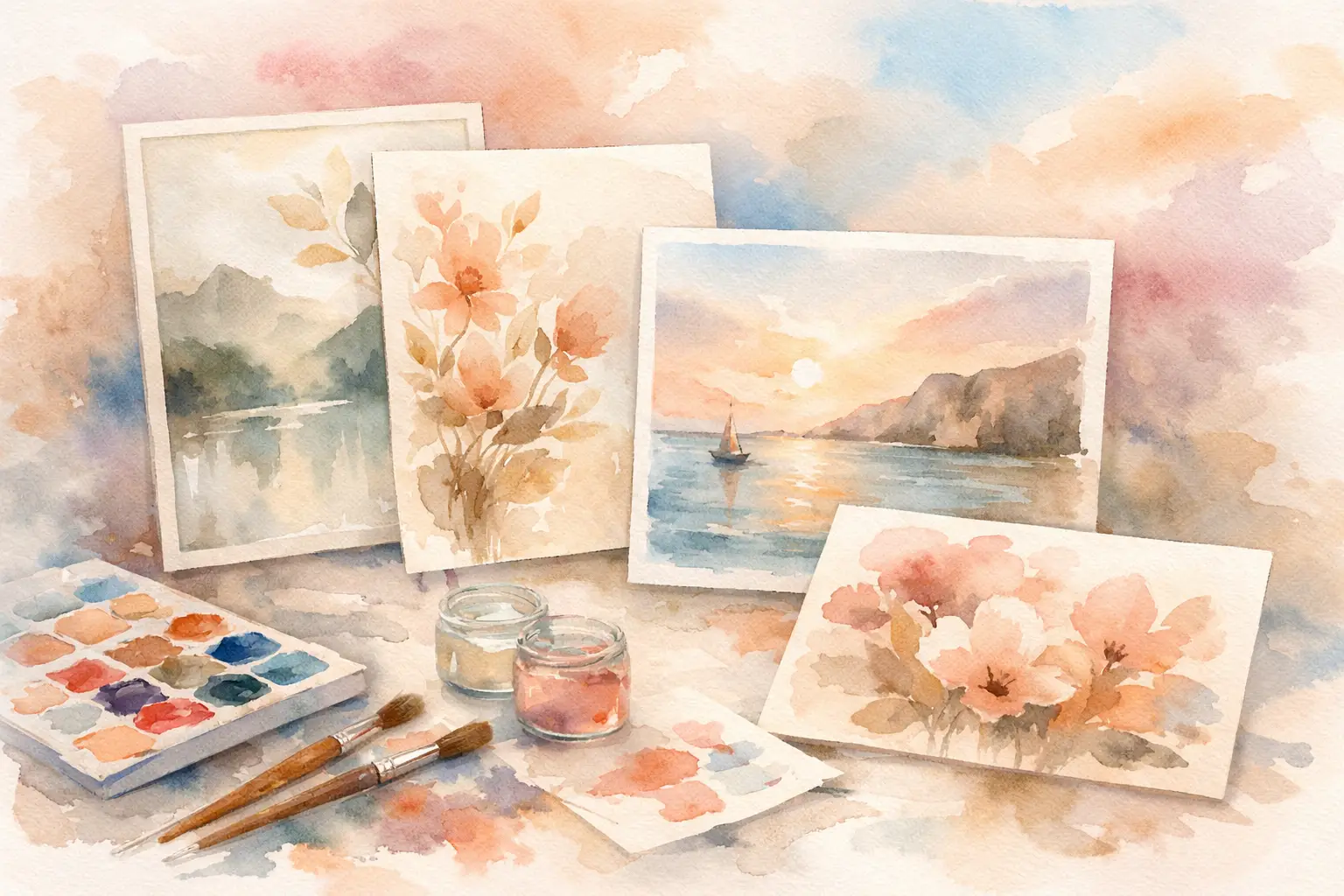
A single watercolor strawberry can become a wall print, a clip-art sheet, a sticker set, a planner cover, and a dozen matching digital papers. Or it can stay one pretty image that never turns into a real listing strategy. A matching art collection generator closes that gap by helping Etsy sellers turn one direction into coordinated inventory without spending every evening prompting, editing, resizing, and trying to make separate files look like they belong together.
That matters because Etsy shoppers rarely buy random. They buy sets, themes, and visual consistency. A buyer who loves your cottagecore mushroom printable is more likely to add a matching journal kit or sticker page to their cart when the colors, motifs, and style feel intentional.
What a Matching Art Collection Generator Actually Does
A matching art collection generator is not just an image tool that gives you one result at a time. It starts with a creative seed - a written idea or a reference image - then plans and creates related assets in the same visual family.
For an Etsy seller, the useful output is not “a nice picture.” It is a collection with enough variety to sell in multiple formats. Think soft pink coquette bows in several layouts, seasonal woodland animals with different poses, or retro fruit illustrations designed to work as individual prints and as a bundle.
The generator should preserve the elements that make the collection recognizable: the palette, line weight, texture, mood, subject treatment, and level of detail. At the same time, it needs to vary the assets enough that buyers do not feel they are downloading the same artwork repeatedly.
That balance is the hard part of collection building by hand. If every image is generated separately, one may come out too dark, another too detailed, and another in a completely different style. You can try to fix the mismatch in Photoshop, but that turns an “easy” digital-product idea into a long editing session.
Why Matching Collections Sell Better Than One-Off Art
A coordinated collection gives your shop more ways to earn from one creative idea. Instead of creating a new concept for every listing, you can build a small product ecosystem around a theme buyers already understand.
A vintage floral set, for example, may support printable wall art, transparent PNG clip art, scrapbook papers, junk-journal ephemera, greeting-card fronts, and print-on-demand designs. You are not forcing every product type into every theme. Some concepts are stronger as clip-art bundles; others are better for large-format prints. But the collection gives you options before you start from zero again.
Matching assets also make your storefront look more established. When a customer lands on your listings and sees a clear visual point of view, your shop feels like a brand rather than a folder of unrelated experiments. That can make merchandising easier, too. You can create themed listing images, bundle covers, seasonal shop sections, and related-product recommendations from the same artwork.
The practical win is speed. Sellers often lose hours in the invisible work between an idea and a published item: writing variations, removing backgrounds, checking dimensions, making covers, exporting files, and organizing uploads. A collection-first workflow reduces that repetitive production work while keeping you in charge of the idea.
The Best Inputs Start With a Clear Product Angle
You do not need advanced prompt-engineering skills to create sellable collections. You do need a direction with a buyer and a use case in mind.
“Cute flowers” is broad. “Soft pastel wildflower clip art for spring baby shower invitations” gives the system a clearer job. “Moody antique botanical wall art for dark academia decor” points toward a different palette, composition, and format. The more specific your product angle, the less likely you are to get generic-looking assets that disappear in a crowded search page.
Reference images can be especially helpful when you have a style you want to continue. Maybe one of your past listings performed well, or you have a hand-drawn sketch that captures the look you want. A good collection workflow can use that visual direction as a starting point while creating fresh, coordinated variations.
Before you generate, decide three things: the theme, the buyer, and the first product format. That does not mean you are locked into one listing type. It simply prevents the collection from becoming a pile of attractive files with no clear path to a sale.
How to Turn One Idea Into Etsy-Ready Inventory
The fastest workflow is create, finish, export, and list. Each stage should move the collection closer to something a customer can download and use.
Create the core collection
Start with a concept that can support variation. A collection of Halloween black cats, for example, might include a sitting cat, a cat with a pumpkin, a crescent-moon composition, a repeating pattern, and small individual elements. Those variations create room for both standalone designs and bundles.
Avoid making every asset a full scene. Full compositions work well for wall art and covers, but buyers who want clip art or stickers also need clean individual elements. Build a mix of focal art, supporting pieces, and backgrounds when the product category calls for it.
Finish files for the product you are selling
A beautiful image is not automatically a usable digital product. Clip art needs clean transparent PNG files. Printable wall art needs high-resolution output that holds up at larger sizes. Digital papers need repeat-friendly or full-page designs. Coloring pages need clear outlines with enough open space to color.
This is where disconnected tools slow sellers down. You generate in one place, remove the background somewhere else, upscale in another tab, then open a layout editor for a title page or bundle cover. A collection generator built around product production should handle those finishing tasks in the same workflow.
InkEngine is designed around that collection-first approach: bring one idea or reference image, generate coordinated visual assets, finish them for the format you sell, and export files ready for your Etsy process. The point is not to replace your judgment. It is to remove the repetitive execution that keeps good ideas stuck in drafts.
Export with the buyer experience in mind
Technical details affect reviews. Export the format your customer expects, name files clearly, and make sure the artwork is sized appropriately for its purpose. JPEGs can work well for printable art and papers, while PNGs are often the better choice for transparent clip art, stickers, and design elements.
For printable products, 300 DPI output gives buyers a better starting point for quality printing. For bundles, clear folder names and a simple cover image reduce confusion before and after purchase. You are selling digital files, but the buyer still judges the experience like any other product.
What to Check Before You Publish
Automation can save the production time, but it should not remove your quality control. Review the collection as a shopper would. Are the colors truly consistent? Do the individual elements feel like one set? Is there enough variety for the bundle price? Are any details distorted, overly busy, or too close to another asset?
Also check the business side. Make sure your usage rights support commercial selling, and avoid trademarked characters, logos, or phrases. If you are creating print-on-demand designs, review the file at the dimensions required by your provider instead of assuming a small preview tells the whole story.
The right amount of review depends on the product. A 40-piece clip-art bundle deserves a closer scan than a single printable. Still, you do not need to inspect every pixel for an hour. The goal is a quick, repeatable approval process that protects your shop quality without sending you back into manual production mode.
Build a Collection Calendar, Not a Random Idea List
The real advantage of a matching art collection generator shows up when you use it consistently. Instead of chasing a new idea every day, plan collections around seasons, buyer occasions, and evergreen themes. A holiday collection may need to go live months before the season. Evergreen niches such as nursery decor, boho botanicals, teacher resources, or journaling supplies can keep producing between seasonal launches.
Give each collection a simple target: one hero listing, one bundle, and two or three related formats. That is enough structure to turn a creative session into a meaningful shop update without flooding your catalog with near-duplicates.
Your best-selling shop may not come from working longer nights or learning five more design apps. It may come from treating every strong idea as the beginning of a coordinated product line. Pick a concept your buyer already wants, build the family around it, and let the repetitive production work stay off your weekend.
Fill your shop with a matching collection this weekend.
Start your first collectionFree to start. No credit card.