Transparent PNG Bundles That Sell on Etsy
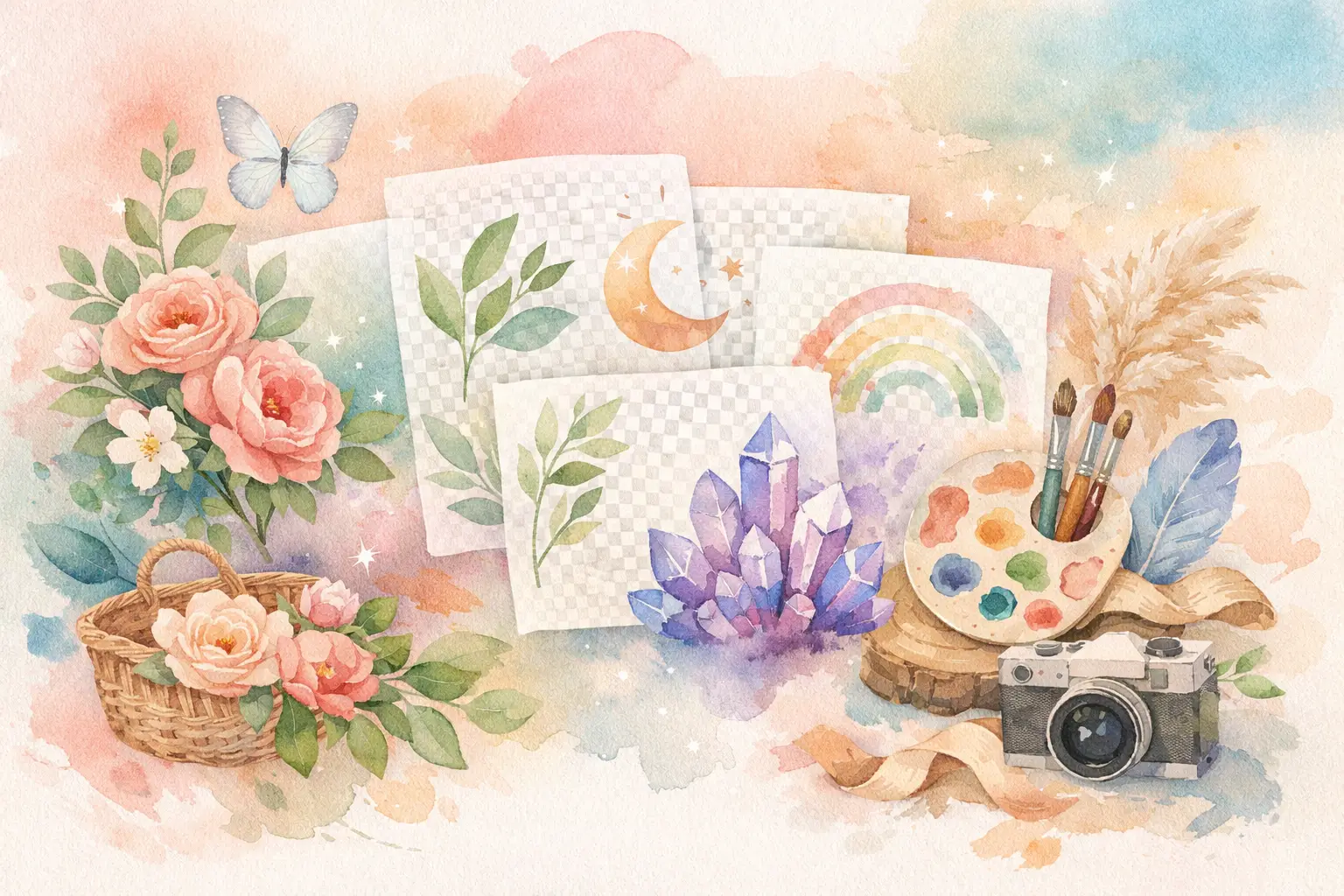
Transparent PNG bundles are one of the simplest ways to turn a strong visual idea into a higher-value Etsy product. Instead of selling one isolated illustration, you give buyers a coordinated set they can use for stickers, invitations, shirts, sublimation projects, classroom materials, planner pages, and more. The appeal is clear: buyers get options, and your shop gets a product that feels more complete than a single download.
But a folder of images is not automatically a bundle people want to buy. The details matter. Clean edges, a consistent style, useful file sizes, thoughtful themes, and clear listing expectations determine whether your bundle feels professional or creates customer-service headaches.
Why transparent PNG bundles work so well
A PNG with a transparent background lets the buyer place artwork over any color, pattern, or project without manually cutting out a white box. That is the whole point. A watercolor strawberry can sit on a cream invitation, a dark sweatshirt mockup, or a bright scrapbook page without looking pasted on.
For Etsy sellers, transparency also expands the number of use cases for the same artwork. A set of woodland animals may appeal to a teacher creating labels, a parent planning a birthday party, and a crafter making vinyl decals. You are not selling the finished project. You are selling flexible artwork that helps the buyer make it.
Bundles raise perceived value because they save buyers from hunting for matching pieces one at a time. A 30-piece baby shower clip art set with coordinated florals, animals, bows, and accents gives them a ready-made design system. That convenience is often what earns the sale.
The trade-off is that buyers expect a bundle to be organized and genuinely usable. Repeated poses, mismatched colors, rough background removal, or tiny files quickly make a larger item count feel like filler.
Build around a buyer's project, not a random theme
The best transparent PNG bundles start with a clear use case. "Cute animals" is broad. "Pastel woodland baby shower clip art" tells a buyer exactly what they can make. The second idea also gives you a production plan: soft palette, nursery-friendly expressions, party accents, and enough variety to build invitations, signs, tags, and favor labels.
Before creating assets, decide who will use them and what they are likely to make. A teacher bundle needs practical elements such as apples, pencils, books, name labels, and friendly characters. A sublimation bundle may need bolder subjects with fewer delicate details. A junk-journal buyer may prefer aged florals, labels, ephemera, and textured objects that work well in layered compositions.
A useful bundle usually has a mix of hero images and supporting pieces. If every file is a large, detailed character, buyers have limited ways to arrange them. Add smaller accents, frames, icons, or decorative elements that make the main art more useful.
For example, a coquette Valentine collection could include girls' bows, heart cakes, perfume bottles, roses, letters, ribbons, and small sparkles. Each image should look like it belongs in the same collection, not like it came from five unrelated prompts.
Plan enough variety without padding the count
There is no magic number of files. Ten excellent, distinct PNGs can outperform a 60-piece bundle full of near-duplicates. What matters is whether the pieces create more finished combinations for the buyer.
Aim for variation in subject, pose, scale, and function while keeping the visual rules steady. Use the same color family, line quality, texture level, and mood across the set. If one image is flat vector-style art and another is heavily textured watercolor, most buyers will see a mismatch immediately.
A simple planning structure helps: choose several main subjects, a few secondary objects, and a set of small accents. Then check whether every file earns its place. If removing it changes nothing about what a buyer can create, it may not belong in the bundle.
Get the files right before you list
Your artwork can be charming and still disappoint buyers if the export is wrong. Transparent PNG bundles need actual transparency, not a white or checkerboard-looking background baked into the image. Test a few files by placing them over a dark color and a light color. This catches halos, stray pixels, and rough cutout edges that are easy to miss on a white screen.
Resolution matters, but it depends on the intended product. For printable clip art, 300 DPI is a practical standard when paired with generous pixel dimensions. A file sized around 3,000 pixels or more on its longest side gives buyers more room for common print projects. Very small files may work for digital planners but can look soft on shirts, posters, and physical stationery.
Do not use "300 DPI" as a substitute for image quality. A low-detail image exported at 300 DPI is still low-detail. Buyers need clean, sharp artwork at a usable size.
Keep file naming simple and helpful. Names such as `woodland-fox-01`, `woodland-mushroom-02`, and `woodland-leaf-sprig-03` make a bundle easier to browse than a folder filled with random numbers. Put everything into clearly labeled folders, especially if you include both individual PNGs and a bonus sheet.
You should also state exactly what the customer receives. Tell them the file type, number of designs, approximate dimensions, whether files are individual or combined, and whether text is editable. Clear expectations prevent the common message: "I thought this was a physical item."
Make the listing sell the outcome
Your cover image needs to show the collection at a glance. Buyers should be able to recognize the theme and style before reading a word. A tidy collage of the strongest pieces works well because it communicates range without forcing someone to scroll through every individual file.
Follow with images that answer practical questions: show individual PNGs on a colored background to prove transparency, show a close-up to demonstrate detail, and show a few realistic project examples. A buyer does not need a dozen mockups. They need enough proof to picture their own project.
Your title and first lines of the description should lead with the buyer's search language and intended use. If the product is for wedding stationery, say that. If it is for sublimation, stickers, or classroom resources, say that too, but only when the artwork is truly suitable for those uses.
Pricing depends on quality, niche demand, file count, and how specialized the set is. A broad bundle with simple assets may need a competitive price because alternatives are everywhere. A polished collection designed for a specific buyer moment, such as a trendy bridal shower aesthetic or a seasonal classroom theme, can command more because it saves the customer more creative work.
Avoid pricing purely by the number of files. Thirty useful, polished pieces can be worth more than 100 generic images. Your listing is competing on style, usability, and time saved.
Create collections faster without losing your style
The slow part of making bundles is rarely one image. It is producing 20 or 40 images that all look like they came from the same shop, then removing backgrounds, checking edges, resizing files, creating previews, and preparing exports.
That is where collection-first production changes the math. Rather than generating each asset from scratch and trying to manually force consistency afterward, start with one visual direction and plan the set around it. InkEngine is built for this workflow, turning one concept or reference into coordinated sellable assets while handling production tasks such as background removal, upscaling, layouts, and Etsy-ready PNG exports.
Even with automation, keep your seller judgment in the process. Review every collection for awkward details, repeated compositions, unclear subjects, and assets that do not fit the niche. Fast production is valuable because it gives you more time to make good decisions, not because it excuses skipping quality control.
Protect your shop with clear usage terms
Be precise about what buyers may and may not do with the files. Your policy should explain whether they can use the artwork in personal projects, physical end products, or commercial end products, and whether they may resell, share, redistribute, or claim the digital files as their own. Keep the language easy to understand.
Also avoid building bundles around protected characters, logos, celebrity likenesses, or trademarked phrases. Demand can look tempting, but it can expose your shop to takedowns and lost momentum. Original, recognizable collection styles are a better long-term asset.
The most dependable bundle idea is often not the loudest trend. It is the theme that gives a specific buyer an easier path from blank canvas to finished project. Make that path obvious, keep the files clean, and your next collection can keep earning long after the listing goes live.
Fill your shop with a matching collection this weekend.
Start your first collectionFree to start. No credit card.