Printable Creation Software Review for Etsy Sellers
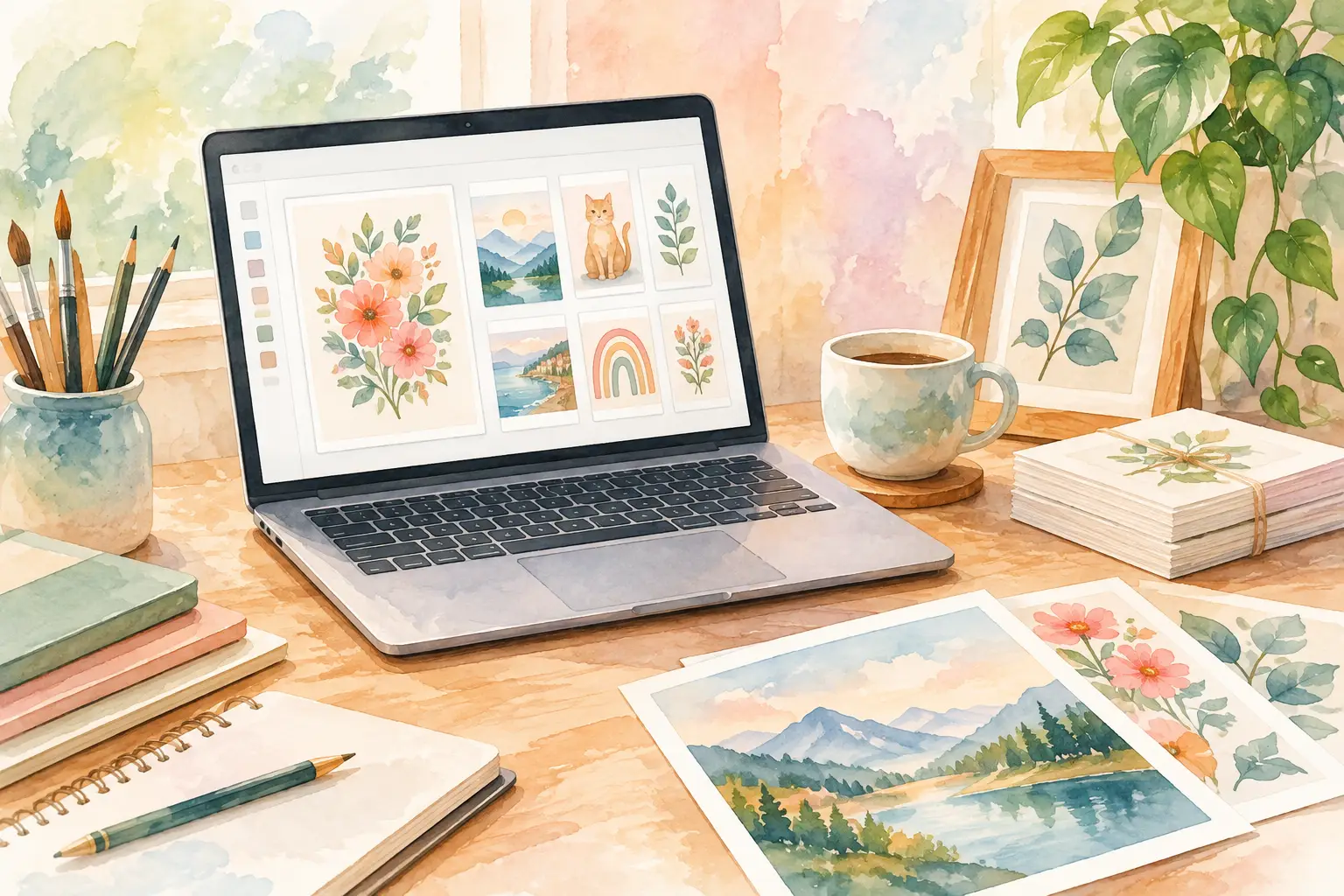
A customer buys one of your floral wall prints, then clicks into your shop looking for matching stickers, journal pages, and clip art. If every product has a different look, that sale can stop there. A useful printable creation software review is not really about which app makes the prettiest single image. It is about which system helps you turn one marketable idea into enough coordinated, clean files to build a listing, a bundle, and a shop category.
For Etsy sellers, creation software has to do more than generate. It needs to reduce the work between idea and upload: planning variations, keeping colors consistent, removing backgrounds, sizing files correctly, and exporting what buyers expect. The best choice depends on what you sell, how much volume you need, and whether you want to make art manually or manage a repeatable product pipeline.
What Printable Creation Software Needs to Do
A printable product is not finished when the image looks good on screen. It is finished when a buyer can download it, open it, print it, and feel that it matches the listing photos. That puts more pressure on your software than a casual social-media design tool.
For wall art, you may need high-resolution files in common aspect ratios. For clip art, transparent PNGs matter. For junk-journal kits, buyers want coordinated papers, ephemera, tags, and covers that look like they belong together. A coloring-page seller needs clean line art, not a beautiful image full of muddy gray shadows.
The software also needs to fit the pace of a real shop. If a new collection requires twelve separate prompts, twenty rounds of edits, a background-removal tool, an upscaler, a layout program, and a cloud-drive tab, you are managing a software stack instead of growing inventory. That approach can work for a high-touch art business. It is a poor fit for a seller who wants to publish consistently without giving up every weekend.
The Main Types of Tools Sellers Compare
Most printable creation tools fall into three categories. Each can earn a place in your workflow, but they solve different problems.
General AI image generators
General image generators are strong when you need an unusual concept, want to experiment with a visual direction, or enjoy hands-on prompting. They can produce eye-catching starting points for artwork, characters, patterns, and seasonal themes.
Their limitation is production consistency. Getting one strong image is often easier than getting 30 matching assets with controlled composition, repeatable colors, buyer-friendly backgrounds, and usable dimensions. You may spend considerable time rewriting prompts and sorting results before you have a bundle that feels intentional.
Use this category when individual artistic exploration is the job. If your priority is releasing organized collections fast, factor the cleanup time into the true cost.
Template-based design apps
Design apps are familiar for a reason. They make it easy to add text, create simple planners, assemble listing images, and adjust layouts without learning professional design software. They are especially useful when the product itself is typography-led, such as checklists, invitations, trackers, and editable worksheets.
The trade-off is that templates do not create the underlying visual inventory for you. You still need illustrations, patterns, graphics, and a clear collection concept. They also encourage manual repetition: duplicate a page, change a color, move a title, export, and repeat. That is manageable for a five-page planner. It gets slow when you are building a 50-piece clip-art bundle.
Collection-focused production platforms
Collection-focused software is designed around a different question: what can one idea become? Rather than stopping at a single image, it helps plan and generate related assets for a product family.
This approach makes the most sense for sellers whose revenue comes from downloadable art bundles, coordinated seasonal collections, print-on-demand designs, or broad shop inventory. The value is not just AI generation. It is the ability to move through create, finish, export, and list with fewer handoffs.
InkEngine sits in this category. Its Autopilot workflow turns a text idea or reference image into coordinated print-ready assets, then handles production tasks such as upscaling, background removal, title and layout editing, and Etsy-ready export. That matters because a seller does not need to become a prompt engineer or learn Photoshop just to test a collection idea.
Printable Creation Software Review: What to Test First
Do not choose software based on the homepage gallery alone. Most tools can show a polished sample. Instead, test a real product concept you plan to sell, such as a retro Halloween clip-art bundle or a set of botanical nursery prints.
Start by asking whether the tool can preserve a visual direction across variations. Your collection should look designed, not randomly gathered. Check whether it can use a reference image or a clear style instruction without drifting into unrelated colors, subjects, or levels of detail.
Next, inspect file readiness. A crisp preview is not proof of a sellable file. Open the exported asset at full size. Look for fuzzy edges, strange details, low-resolution textures, accidental text, or backgrounds that will frustrate a buyer who expects a transparent PNG. If you sell printables, verify that your workflow supports 300 DPI output or appropriately sized high-resolution files for the physical print dimensions you advertise.
Then time the workflow from idea to upload. Include everything: generating, choosing variants, editing, removing backgrounds, naming files, making layouts, and exporting. A tool that costs less per month but adds six hours of labor may not be the bargain it appears to be.
Finally, consider commercial terms and export flexibility. Your shop needs clear commercial selling rights for generated assets, along with formats that match your product type. JPEG works well for many art prints and papers; PNG is essential for transparent clip art and stickers. If you organize your shop production through cloud folders, direct export can also remove a small but repetitive task from every launch.
Where Manual Tools Still Win
A collection workflow is not automatically the right answer for every seller. If you create custom wedding stationery, detailed hand-drawn illustrations, or products that require exact brand assets from a client, you may need deeper manual control. Professional design software gives experienced creators precision that automated systems are not built to replace.
Likewise, a new shop with one simple text-based product may only need a basic layout tool at first. Paying for high-volume generation before you have a product direction is unnecessary. Start with the workflow that matches the next stage of your business, not the one that sounds most impressive.
But once you know your niche and find yourself repeating the same production steps, manual control can become manual drag. That is the moment to look for automation that protects your creative decisions while taking repetitive execution off your plate.
A Better Way to Choose for Your Shop
Think about the bottleneck you want to remove. If your challenge is creating a single standout hero image, a general AI generator may be enough. If you have the art but need better planner layouts or listing graphics, a design app may solve the problem. If your challenge is filling your Etsy shop with matching, sellable digital products, choose software that starts with a collection rather than an isolated file.
The right printable creation software should make your shop easier to run after the first exciting result. It should help you build a repeatable rhythm: choose a niche, set a direction, produce coordinated assets, check file quality, export, and publish. That is how a promising idea becomes inventory that keeps working after you close your laptop.
Your best next move is simple: pick one product family you have been putting off because it feels too time-consuming, then test whether your current tools can take it from concept to listing without a pile of extra tabs. If they cannot, your shop is telling you what to change.
Fill your shop with a matching collection this weekend.
Start your first collectionFree to start. No credit card.