Manual Design Versus Automation for Etsy Sellers
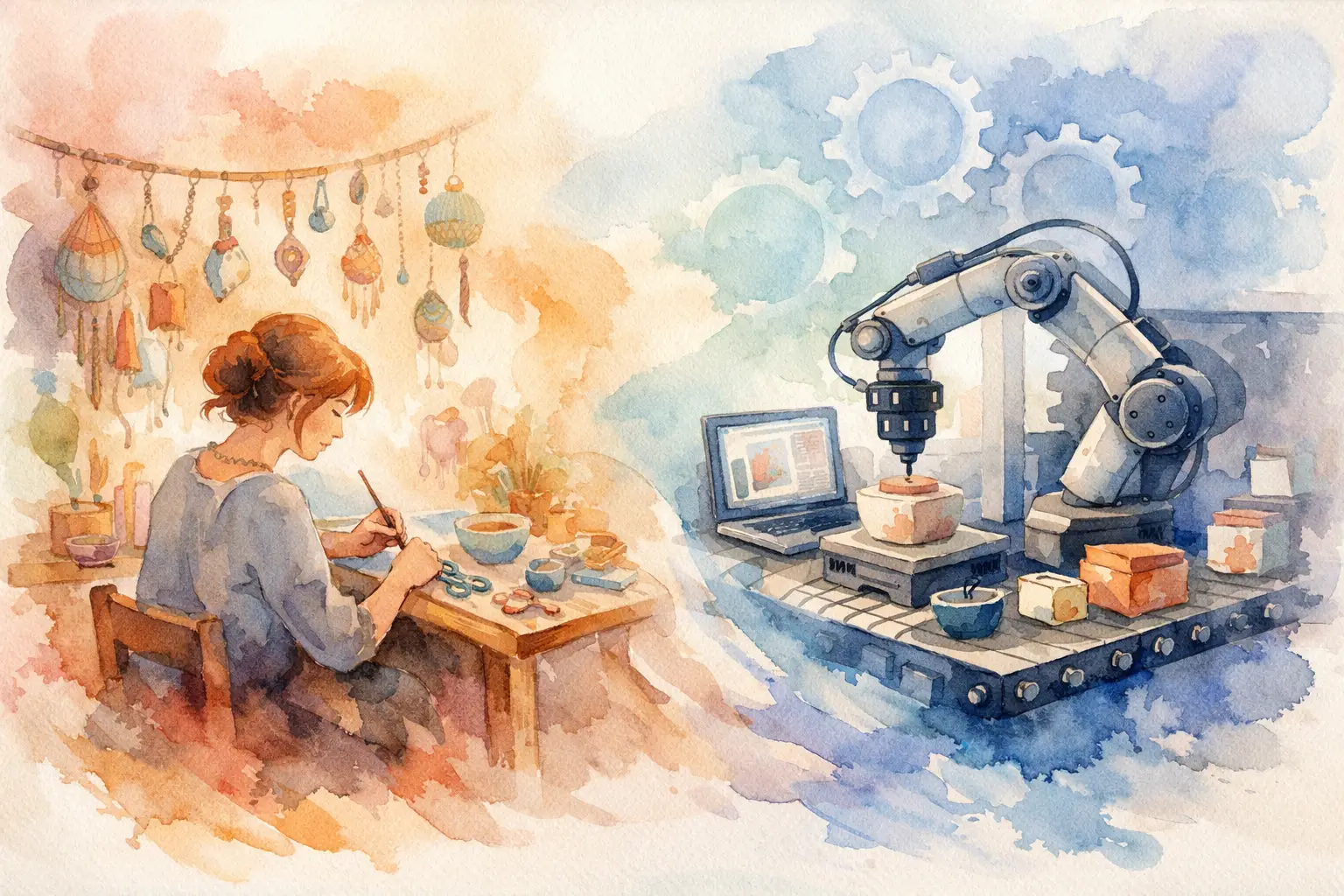
A single Etsy listing can look simple from the outside: one printable, a few mockups, a title, and a download file. Behind it, there is often a long chain of work. You brainstorm a theme, make images, remove backgrounds, resize files, create matching variations, package the bundle, and write the listing. That is where manual design versus automation becomes a real shop-growth decision, not a creative debate.
If your shop is built around digital products, the question is not whether automation can replace your eye. It cannot. The better question is: which parts of production deserve your attention, and which parts are keeping you stuck at your desk?
The real cost of making every asset by hand
Manual design gives you direct control. You can adjust a color, redraw an awkward detail, change a composition, and keep refining until a piece feels right. For hero products, unusual custom requests, or a signature style you are still defining, that hands-on work has real value.
But Etsy customers rarely buy just one isolated image. They buy sets that feel intentional. A botanical clip-art bundle needs coordinating flowers, leaves, frames, and transparent PNGs. A junk-journal kit needs papers, ephemera, tags, and covers that belong together. A seasonal wall-art line needs enough variations to support multiple listings without looking copied and pasted.
Creating all of that manually turns a creative idea into a production bottleneck. One design can take an hour. A sellable collection can take a weekend. Then comes the less glamorous work: file cleanup, background removal, upscaling, export settings, naming, and uploading.
The problem is not that manual design is bad. The problem is using manual effort for tasks that do not improve the customer’s experience enough to justify the time. If you spend three hours resizing six similar designs, you are not protecting your creative voice. You are doing repetitive production labor.
Manual design versus automation: what each does best
Manual design is strongest when the decision is subjective. You decide what is worth making, what fits your shop, what feels on-brand, and what needs a human correction. Your taste shapes the collection. Your understanding of your buyers determines whether a cheerful teacher-planner cover or a moody Victorian journal kit belongs in your catalog.
Automation is strongest when the task follows a repeatable pattern. It can turn a direction into planned variations, generate coordinated assets, create clean transparent-background files, prepare print-ready output, and move finished files toward export. Those steps matter, but they should not require you to repeat the same clicks twenty times.
For an Etsy seller, the healthiest setup is not all-manual or all-automated. It is creative direction from you and repeatable execution from a production system.
Think of it this way: you remain the shop owner and creative director. Automation becomes the studio assistant that does not need a tutorial, a design degree, or a second software subscription to handle the routine work.
Where automation saves the most time
The biggest gains usually do not come from generating one pretty image faster. They come from building a complete listing-ready collection from one starting point.
Say you spot demand for soft watercolor nursery decor. With a manual workflow, you may create a bunny print, then separately make a bear, a fox, a rainbow, and a set of matching accents. After that, you format them as wall art, create PNG versions, build bundle covers, and hope the colors still match.
With an automated collection workflow, one creative direction can become a coordinated family of assets. You can begin with a text idea or reference image, capture the visual style, plan variations, generate the collection, and finish the files in one place. Instead of opening separate tools for generation, editing, background removal, resizing, and layout, you stay focused on what the collection needs to sell.
This is especially useful for product types with built-in volume requirements:
- Clip-art bundles need enough individual elements to feel worth the price.
- Junk-journal kits need variety without random, mismatched pages.
- Planner products need multiple covers and themed components.
- Stickers need clean cut-ready artwork and transparent PNGs.
- Print-on-demand designs need distinct variations that still support one recognizable shop style.
When these assets are produced as a system, your listings look more professional because the collection was designed to work together from the start.
Consistency is the advantage buyers can see
Etsy shoppers may not describe a collection as “stylistically consistent,” but they notice it. They see whether the preview images belong together. They notice when a bundle has five beautiful pieces and seven that feel like they came from another shop.
Manual production can make consistency harder as your catalog grows. You may revisit an old prompt, try to recreate a color palette, or manually edit every new asset to match a previous bestseller. That effort becomes even heavier when you are working across multiple tools with different settings and exports.
Automation gives you a repeatable base. Style capture and variation planning help keep the visual direction stable across a set, while tools for layout, background removal, and upscaling help carry that consistency into the finished product. The result is not just faster output. It is a catalog that looks organized enough for buyers to trust.
That trust matters. A shopper who likes one cottagecore paper pack should immediately see related items they can add to their cart. Cohesive collections make cross-selling easier because the next purchase is obvious.
When manual work should stay in the process
Do not automate blindly. Some work deserves a closer look before it becomes a listing.
Review every collection for details that affect quality: strange hands or faces, misspelled text, weak compositions, muddy colors, thin outlines, or elements that do not match your stated theme. If you are selling a highly specific niche product, such as classroom materials tied to a certain grade level or a personalized memorial design, your review should be even more careful.
Manual refinement also matters when a product becomes a bestseller. That is the time to create improved colorways, premium variations, or a stronger bundle cover. The goal is not to eliminate your hands from the process. It is to use your hands where they increase value.
A practical rule: automate the first draft, the variation volume, and the technical finishing steps. Spend your personal attention on selection, quality control, product positioning, and the final details that make a buyer click.
Build a workflow that gets listings out the door
A production workflow should end in a publishable product, not a folder full of experiments. Start with one clear commercial direction: a season, buyer type, aesthetic, or product use. Then decide what collection would make the idea valuable. A single whimsical mushroom image might become wall art, a sticker sheet, transparent clip art, and journal papers. That is one concept supporting several listing formats.
Next, produce enough coordinated variations to make the bundle feel complete. Keep the strongest assets, remove the weak ones, and create a clear cover that shows buyers exactly what they receive. Finish the files at the correct quality for their purpose. Print products need high-resolution output, while clip art and stickers often need clean PNGs with transparent backgrounds.
InkEngine is built around that full sequence: create, finish, export, and list. Its Autopilot workflow turns a text idea or reference image into coordinated, print-ready assets, rather than leaving you to generate one image at a time and assemble the collection somewhere else. You still choose the concept and approve the output. The repetitive production work no longer has to own your weekend.
Choose speed without giving up your point of view
There is no prize for taking longer to make files your buyers will never distinguish from an efficiently produced alternative. Your customers care about appealing designs, clear product previews, useful bundles, and downloads that work when they open them.
Manual design versus automation is not a choice between creative integrity and growth. It is a choice about where your energy goes. Let your creative judgment set the direction, let systems handle the repeatable steps, and save your best attention for the decisions that turn a collection into a shop customers come back to.
Fill your shop with a matching collection this weekend.
Start your first collectionFree to start. No credit card.