Image Generators Versus Template Tools for Etsy
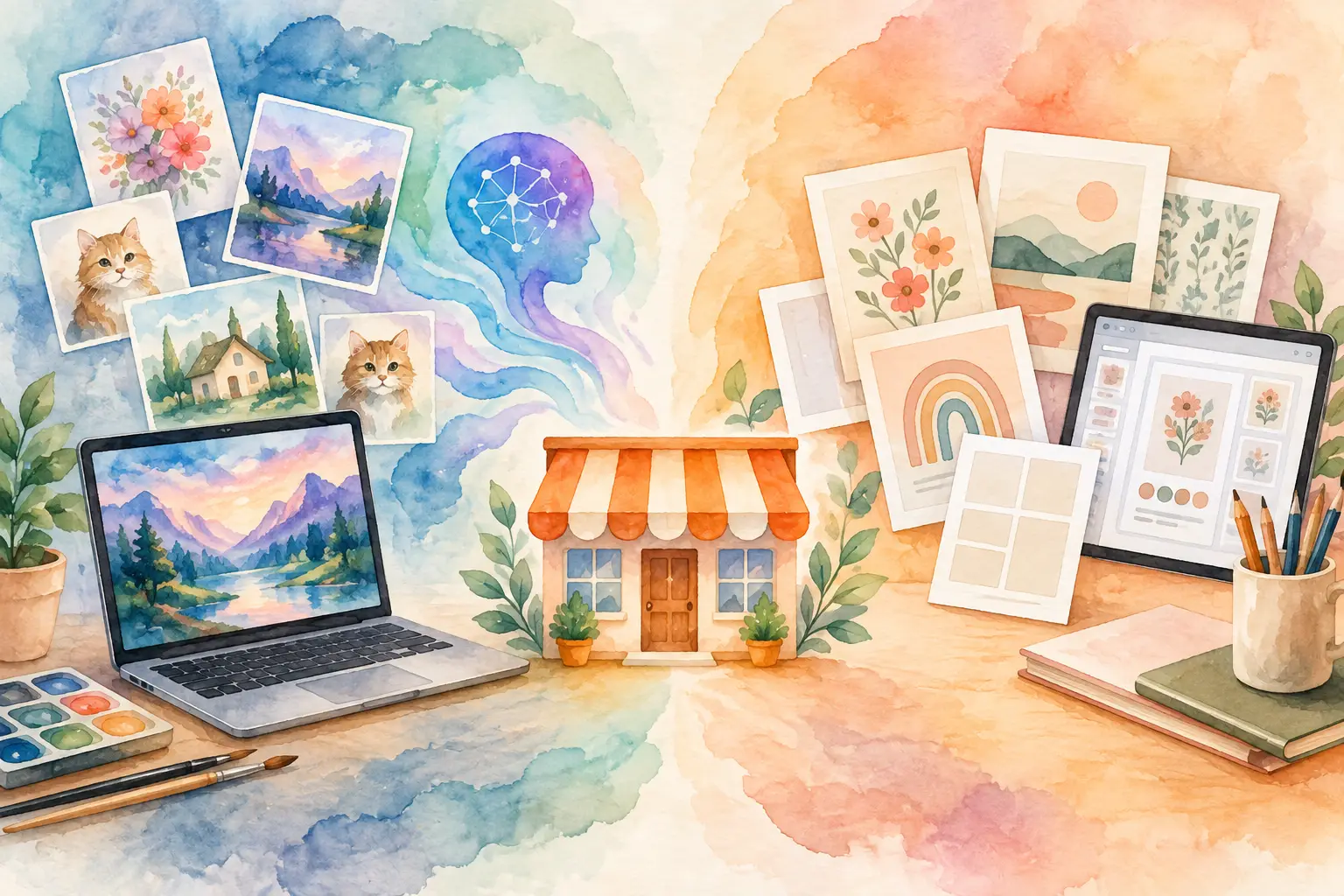
A beige floral planner cover can look polished in Canva. But when a customer asks for matching stickers, a listing needs 20 coordinating pages, and your next collection needs its own recognizable look, one polished cover is not enough. That is where image generators versus template tools becomes a real business decision for Etsy sellers, not just a design preference.
Template tools help you assemble. Image generators help you create. Neither is automatically better, but they solve very different production problems. The right choice depends on what you sell, how quickly you need to publish, and whether your shop needs another single design or an entire product line.
What Template Tools Do Best
Template tools start with a pre-built layout. You choose a design, swap in colors, text, photos, icons, and fonts, then export a finished file. For sellers making editable invitations, social media graphics, price lists, business cards, or simple printable checklists, that can be exactly what the job requires.
Their biggest strength is control over predictable layouts. If you need a birthday invitation with the date centered, a particular font, and an RSVP line in the lower corner, a template makes the process straightforward. You are arranging known pieces in a known format.
Templates also make sense when the content matters more than the illustration. A meal planner, classroom schedule, chore chart, or budget tracker often depends on readability, spacing, and clear organization. Starting from a grid can save time.
The limitation shows up when your products need original visual inventory. A template may give you the frame, but it does not create a distinctive set of watercolor mushrooms, antique botanicals, whimsical woodland animals, or celestial collage elements that belong together. You still need artwork to put inside it.
That can lead to a familiar workflow: buy graphics from one place, open a template tool, adjust every page manually, remove backgrounds elsewhere, resize files, create listing images, and hope the finished bundle looks consistent. The monthly subscriptions pile up. So does the time.
What Image Generators Do Best
Image generators begin with a creative direction rather than a fixed layout. You describe an idea, reference a style, or provide an image, and the tool creates new visual assets from that starting point.
For Etsy sellers, that matters most when the art itself is the product. Think printable wall art, clip-art sets, digital papers, coloring pages, sticker designs, junk-journal ephemera, and print-on-demand graphics. These listings need visual variety, but they also need a clear collection identity.
A generator can help you move beyond the same stock elements and crowded template library everyone else can access. Instead of searching for a vintage fruit illustration that is close enough, you can create fruit imagery around a specific direction: hand-painted, faded 1940s market labels, warm paper texture, limited palette, and space for journaling.
The catch is that general-purpose image generation can create a new bottleneck. One-off generations are exciting, but an Etsy collection is more than one good image. You need matching variations, product-ready file sizes, clean backgrounds when needed, and assets that make sense together in a bundle.
If every image requires a new prompt, several rerolls, manual cleanup, and a separate design app to finish the product, you have traded template editing for prompt editing. That may be worthwhile for highly experimental art, but it is not always the fastest route to a filled shop.
Image Generators Versus Template Tools: The Real Difference
The practical difference is this: template tools are built around layouts, while image generators are built around assets. Etsy sellers frequently need both, but one should lead the workflow based on the product you are making.
Use a template-first workflow when buyers are purchasing structure. An editable wedding menu, a classroom worksheet, or a business workbook needs reliable fields and page composition. You can create the visual polish around the information, but the layout is the value.
Use an image-first workflow when buyers are purchasing a visual theme. A 50-piece boho nursery clip-art bundle, a set of gothic botanical prints, or a pack of cottagecore junk-journal papers lives or dies on original, coordinated artwork. The art needs to come first. Layout is the finishing step.
The strongest shops often combine the two without forcing every product through the same process. Generate a coordinated set of assets for the collection, then use a layout editor for covers, instruction sheets, printable pages, and listing images. That is more efficient than trying to make a template library act like an art department.
Where Each Tool Can Slow You Down
Template tools can become slow when you are making variations at scale. Changing the title, swapping artwork, adjusting text alignment, and exporting 20 files may only take a few minutes per item. Across a collection, those minutes become a lost weekend.
They can also create a sameness problem. A successful Etsy shop needs a recognizable style, but not a catalog that looks copied from the same starter pack. When many sellers begin with identical templates, your originality has to come from the assets, color choices, and finishing details you add.
Image generators can slow you down when they are treated like a slot machine. Vague prompts create vague results. Constantly chasing a perfect single image can burn more time than building a sellable collection with a clear creative direction.
They also require a production plan. A beautiful image is not automatically a transparent PNG, a 300 DPI printable, a square sticker sheet, or a listing-ready bundle. Sellers still need the right output for the product and a consistent way to get it finished.
That is why a collection-focused platform can be more useful than a general image generator alone. InkEngine is designed to turn one idea or reference image into coordinated visual assets, then help finish them with background removal, upscaling, title and layout editing, and Etsy-ready exports. The point is not to generate more random images. It is to create products you can actually list.
Choose Based on the Product You Want to Sell
Before opening any tool, ask one question: is my customer buying a layout, or are they buying the art?
If they are buying a layout, start with a template. A printable family calendar needs places to write. A resume template needs hierarchy. A wedding seating chart needs accurate structure. Use the tool that makes typography and page organization easy.
If they are buying the art, start with image generation. A collection of nursery animals, witchy clip art, retro holiday papers, or tattoo-style florals needs a visual system before it needs text boxes. Build the collection first, then adapt the assets into multiple product types.
That second approach has more revenue potential than many sellers realize. One cohesive concept can become wall art, a clip-art bundle, stickers, digital papers, planner covers, coloring pages, and print-on-demand designs. You are not starting from zero for every listing. You are building inventory from one creative direction.
A Better Workflow for Growing an Etsy Catalog
The goal is not to choose a side forever. The goal is to stop using a tool built for one-off graphics to manage an entire production line.
Start with a collection idea that has room to expand. Instead of making one "fall pumpkin printable," define a direction such as vintage harvest market, muted orange and olive, hand-painted produce, weathered paper, and cozy typography. That gives every asset a shared visual language.
Next, create the artwork in coordinated variations. Plan for the products you can make from it before you generate anything: standalone prints, transparent clip art, patterned papers, covers, and small-format stickers. This is how you avoid a folder full of pretty images that do not fit a listing.
Then finish only what the product needs. Remove the background for clip art. Upscale printable art for clean larger exports. Add titles and layouts to covers. Keep product files organized by collection, not by whichever app created them.
Finally, publish in groups. A customer who finds one product should be able to see related products in the same style. That makes your shop feel intentional, encourages repeat purchases, and makes each new collection easier to market.
The Tool Choice Should Protect Your Time
Template tools are useful. Image generators are powerful. But Etsy sellers should judge both by a simpler standard: does this tool help me create, finish, export, and list without adding another layer of manual work?
If you sell structured documents, templates may deserve the front seat. If you sell visual goods, lead with original collection assets and use layout tools only where they add value. Your shop does not need more tabs, more subscriptions, or more hours spent nudging design elements into place. It needs a repeatable way to turn a good idea into products customers can buy.
Fill your shop with a matching collection this weekend.
Start your first collectionFree to start. No credit card.