Etsy Clipart That Turns Browsers Into Buyers
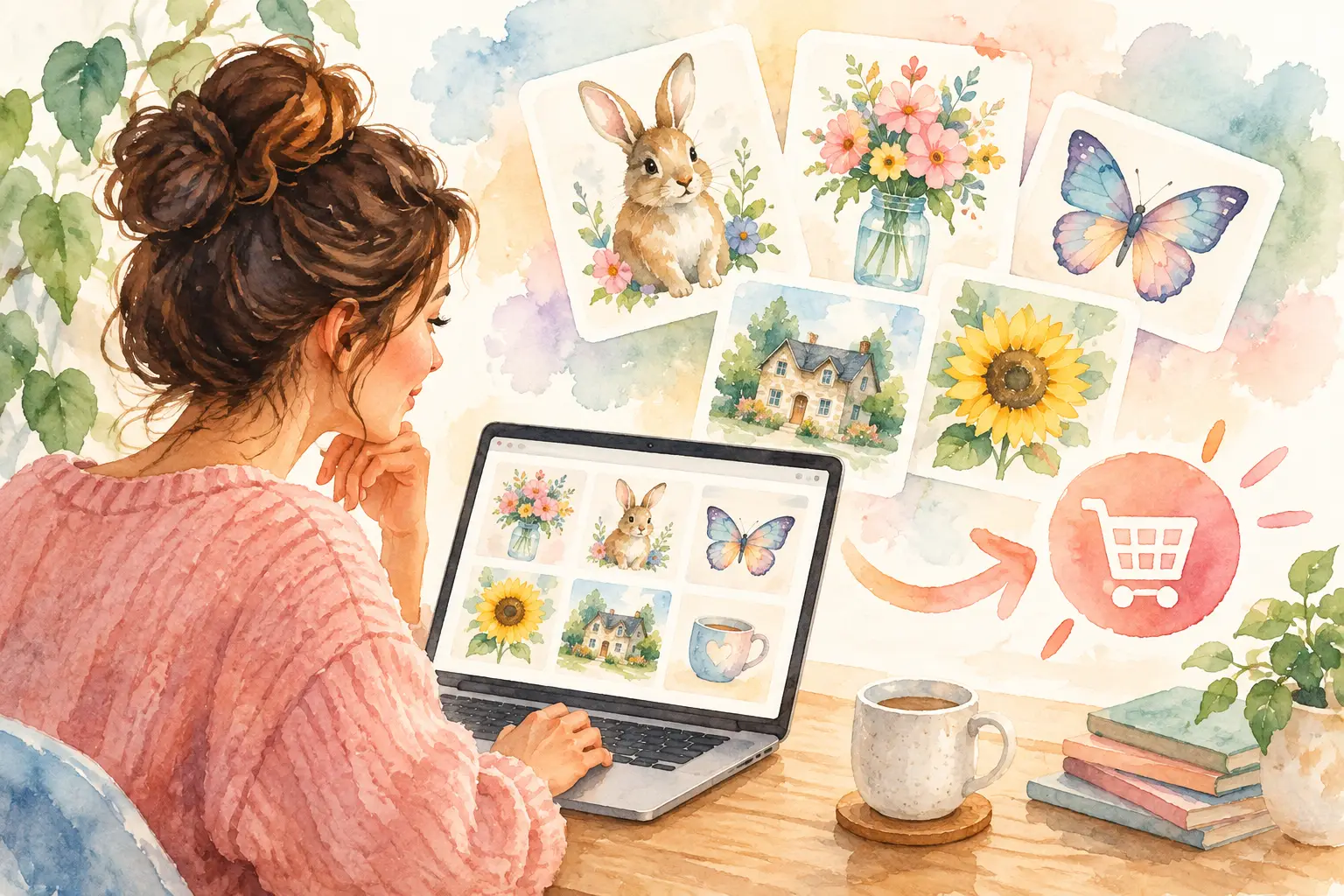
A single cute watercolor bee is not a product line. A coordinated set of 40 bees in useful poses, with clean transparent backgrounds and a clear buyer use case, can be. That is the difference between Etsy clipart that gets noticed and clipart that gives shoppers a reason to click Buy Now.
For a digital-product shop, clipart is one of the most flexible inventory types you can sell. Buyers use it for invitations, stickers, sublimation designs, classroom worksheets, party decor, social posts, planner pages, and more. Your job is not to make one pretty image. Your job is to create a collection that saves the buyer time.
What Makes Etsy Clipart Sell
The strongest clipart listings solve a specific creative problem. A teacher looking for woodland animals for a classroom activity needs clear, kid-friendly characters. A small business owner making baby shower invitations needs soft watercolor florals that already match. A crafter making shirt designs may need bold, high-contrast PNGs that are easy to layer.
That means broad labels such as "cute animals clipart" are rarely enough. Buyers respond to a clear theme, a recognizable visual style, and enough variation to finish a project without shopping somewhere else.
Think in collections, not isolated assets. A spring garden bundle might include flowers, watering cans, bunnies, ladybugs, wreaths, borders, and a few ready-made arrangements. The pieces should feel like they came from the same artist, because your buyer is building one finished design from several files.
Consistency also makes your listing images stronger. When every element shares the same palette, line weight, texture, and level of detail, the bundle looks intentional at a glance. That visual confidence matters when shoppers are comparing dozens of search results in seconds.
Choose a Buyer Before You Create the Bundle
Clipart performs better when you start with the end use instead of a vague aesthetic. Before generating or drawing anything, answer one question: what will the buyer make with this?
For example, a set of spooky-cute Halloween ghosts can serve party invitation makers, sticker sellers, and classroom creators. But those groups may want different details. Invitation makers value watercolor frames and blank space for text. Sticker sellers want individual characters with expressive poses. Classroom creators may need simple black-and-white versions for coloring activities.
You do not need to satisfy every audience in one listing. Trying to do that often creates a messy bundle with no clear promise. Pick the primary use case, then add a few supporting assets that make that use case easier.
Seasonal demand is useful, but it is not the only route. Evergreen niches can keep producing sales after the holiday rush: baby animals, faith-based illustrations, teacher resources, wedding botanicals, retro food, sports, and small-business packaging. A smart shop balances timely collections with themes buyers need all year.
Build Etsy Clipart as a Complete Product
A buyer does not experience your work as a prompt, a sketch, or a folder of random images. They experience it as a download they need to use immediately. Build the product accordingly.
Start with a core set of individual elements. Then create useful variations: different poses, colors, expressions, objects, and compositions. Add a few bonus pieces only if they support the theme. Ten excellent matching assets are more valuable than 50 filler files that feel unrelated.
Your bundle should also include the formats buyers expect. Transparent-background PNG files are the standard for most clipart because they can be placed over other designs. High-resolution JPGs can make sense for printable papers or finished backgrounds, but they do not replace transparent PNGs when the customer needs flexible elements.
For print-focused products, high-resolution 300 DPI files help buyers get cleaner results. Dimensions matter too. A tiny image that technically says 300 DPI will not magically work on a large poster or shirt. Design at a practical size for the intended use, and state the pixel dimensions clearly in the listing.
File organization is part of the product. Use simple, descriptive file names such as `watercolor-bunny-with-carrot.png` rather than a string of numbers. Put the final files in clearly labeled folders. If your bundle includes both individual elements and premade compositions, separate them so the buyer can find what they need without opening every file.
Make the Listing Easy to Understand
Your first listing image has one job: make the theme and style instantly clear. Show the collection together on a clean background, with enough contrast for the individual assets to be visible. Do not crowd the cover with tiny thumbnails that no one can inspect on a phone.
The next images should answer the questions that prevent a sale. Show several assets at a larger scale. Include a mockup that demonstrates a realistic use, such as a birthday invitation, tumbler decal, planner page, or classroom worksheet. Add a simple image that states the file type, quantity, resolution, and whether backgrounds are transparent.
Your title should use the search language a buyer would actually type, but it still needs to read like a human wrote it. Lead with the product theme and format, then add relevant use cases. A title like "Watercolor Woodland Animals Clipart, Transparent PNG Bundle for Baby Shower Invitations and Nursery Prints" is clearer than stacking every possible keyword into an unreadable line.
Descriptions should confirm what the images promise. State the number of files, formats, dimensions, download delivery details, and allowed uses. Be direct about limits as well. If buyers cannot resell the individual digital files, say so plainly. Clear terms protect your work and reduce support messages later.
Speed Matters, but Quality Still Has to Hold Up
The slowest way to build a clipart shop is to treat every new listing as a fresh creative emergency. You brainstorm a niche, create one image at a time, remove backgrounds, resize files, make previews, and then start over next week. That is not a production system. It is a weekend disappearing one task at a time.
A better workflow starts with one collection plan. Decide on the theme, buyer, color direction, and asset list before creating the first visual. Generate or create the full set in the same style, then review it as a group. You will spot weak variations, duplicate poses, and style drift much faster when the collection is visible together.
This is where a collection-first tool earns its place. InkEngine can turn one idea or reference image into coordinated assets for clipart bundles, wall art, stickers, and other Etsy-ready products, then help finish them with background removal, upscaling, layouts, and export. Instead of hopping between generators, editors, and folder tools, you can move from concept to organized inventory in one production flow.
AI can make creation faster, but it does not replace your judgment. Review every asset for awkward anatomy, odd object details, inconsistent edges, stray marks, and similarity to existing branded characters or protected artwork. Do not use a recognizable franchise, celebrity, logo, or another artist's distinctive work as the basis for a commercial product. Check the commercial-use terms for every tool and asset involved before listing.
Turn One Theme Into More Than One Listing
A well-planned visual direction can support more than a single clipart bundle. That does not mean uploading the same files under different names. It means adapting the collection into products that serve different buyers.
A set of hand-painted lemons, for example, could become transparent clipart for invitation makers, patterned digital paper for junk-journal buyers, a kitchen wall-art set, and a few print-on-demand-ready designs. The core visual work stays connected, while the final products solve different problems.
Keep the shop organized so customers can recognize your style across categories. A repeatable color approach, illustration mood, and preview layout make your catalog feel established even while you test new niches. That consistency can also help a buyer who loves one bundle come back for the matching collection.
Publish, Learn, and Build the Next Collection
Do not wait until you have a hundred listings to learn what your market wants. Publish a polished collection, watch which themes earn clicks and favorites, and use that feedback to guide the next release. If a product gets views but few sales, the issue may be pricing, preview images, unclear file details, or a mismatch between the keyword and the actual bundle.
If a theme sells, build outward from it. Add a second colorway, a holiday edition, coordinating papers, or a larger bundle with new elements. You are not chasing random trends. You are creating useful inventory around demand your shop has already proven.
The goal is not to make more files for the sake of volume. Make Etsy clipart that gives a buyer a head start on their own project. When each bundle is cohesive, ready to use, and easy to understand, your shop becomes less dependent on long production weekends and more capable of growing one collection at a time.
Fill your shop with a matching collection this weekend.
Start your first collectionFree to start. No credit card.