Clip Art Shop Growth With Bundles That Sell
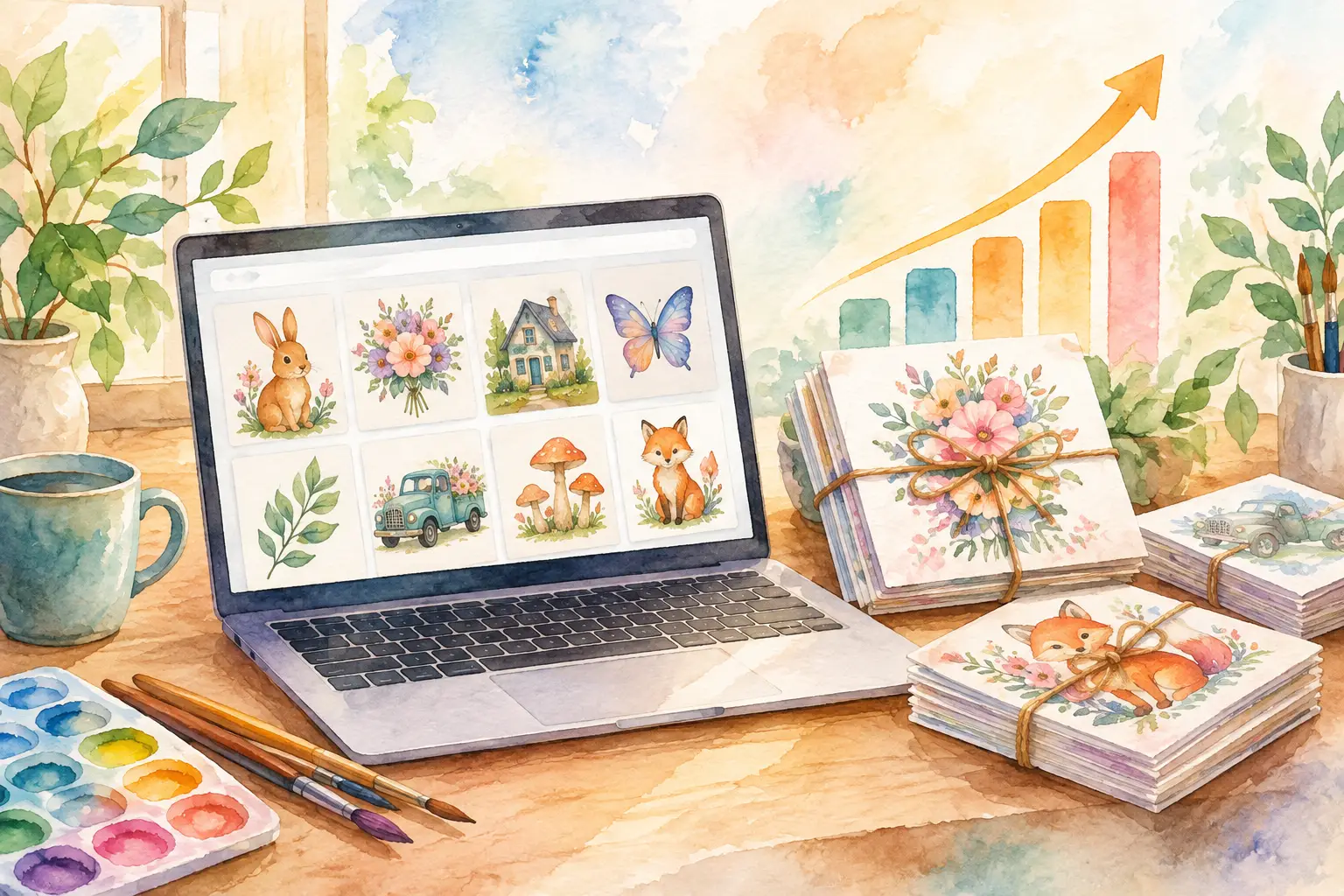
A single cute mushroom graphic can earn you one listing. A coordinated mushroom collection can fill a section of your shop, give buyers more reasons to click, and create a bundle worth paying for. That is the real lever behind clip art shop growth: stop treating every image as a one-off and start building inventory systems around ideas buyers already understand.
More listings alone will not fix a shop that feels scattered. Buyers want to see a clear visual direction, know what they are getting, and picture how the files fit their project. Your job is not to make every possible style. It is to create useful, polished collections that make purchasing feel easy.
Why Clip Art Shop Growth Depends on Collections
Clip art shoppers are rarely looking for one isolated PNG. They are planning a baby shower, classroom activity, sticker sheet, invitation suite, shirt design, scrapbook page, or small business project. A bundle gives them options without sending them back to search results for matching pieces.
That changes your economics. One visual theme can become a 12-piece transparent PNG pack, a larger 40-piece bundle, a printable paper set, and a few related add-ons. You are not inventing four businesses. You are taking one creative direction further before moving on to the next idea.
Collections also make your shop look more established. When a buyer lands on one listing and sees related work in the same style, your shop feels intentional. That trust matters, especially for newer sellers without hundreds of reviews.
There is a trade-off. A giant bundle with random artwork is not automatically more valuable. If the colors, line weight, subject matter, or audience shift from file to file, the buyer has to do extra work to make it usable. A smaller, tightly coordinated set will often perform better than a pile of unrelated images.
Start With Buyer Use, Not Just a Cute Prompt
Before you create anything, decide who will use the artwork and what they will make with it. “Cute spring clip art” is broad. “Pastel spring garden PNGs for preschool worksheets and Easter party favors” gives you a more useful production brief.
That brief guides the choices that make a collection sellable: the number of elements, the background treatment, the level of detail, the color palette, and the file format. A teacher may want simple, friendly illustrations with plenty of white space. A sublimation buyer may prefer bolder color and complete scenes. A junk-journal customer may want texture and a vintage paper feel instead of clean isolated PNGs.
Look at the search language in your own shop data and customer messages. Notice which themes get favorites but few sales, which ones convert, and what buyers repeatedly ask for. Favorites can signal visual appeal. Sales signal a practical need. You need both, but when time is limited, build around proven use cases.
A strong collection brief answers three questions in one sentence: what is the theme, who is it for, and what can they make with it? That clarity prevents the common trap of generating attractive art that has no obvious buyer.
Build a Collection Before You Make the First File
The fastest sellers do not sit down and ask what to create next every time. They plan variations before production begins. This keeps the set cohesive and avoids ending up with 10 nearly identical flowers when what the bundle actually needs is a watering can, garden gloves, seed packet, ladybug, and border element.
For most clip art bundles, plan a mix of hero images, supporting objects, accent elements, and a few scene-building pieces. Hero images create the listing thumbnail. Supporting objects add practical value. Accents such as bows, stars, leaves, or labels help buyers build their own designs. Scene-building pieces give the pack more range for invitations, cards, and printable projects.
Here is a simple way to map a 24-piece bundle without making it feel repetitive:
- 6 main characters or standout objects
- 8 supporting items connected to the theme
- 6 smaller accents or decorative fillers
- 4 frames, signs, borders, or scene elements
This is a planning tool, not a rule. Some niches need more characters. Others, such as wedding or business clip art, may need more decorative accents and fewer central illustrations. The point is to give the buyer building blocks, not 24 copies of the same concept.
Keep the Style Consistent Enough to Bundle
Consistency is where many AI-generated collections lose momentum. One image has thick black outlines, the next is painterly, and the third has a different lighting direction. Each might look good alone. Together, they look like a clearance bin.
Set your visual rules early. Choose the palette, outline treatment, texture level, perspective, and mood. If the collection is watercolor, decide whether it is soft and airy or rich and saturated. If it is kawaii, define the eye style, cheek details, and proportions. Repeating these choices gives your bundle a recognizable look.
Reference imagery can help when you have a look you want to carry across a full set. The goal is not to copy another seller's artwork. It is to preserve your own direction as you create new subjects. That distinction protects your brand and gives buyers a reason to come back for more collections in the same visual family.
InkEngine is built around this collection-first workflow. Instead of generating one asset, editing it, then starting over, you can turn one idea or reference image into a coordinated series, then move directly into finishing and export.
Finish Files Like a Seller, Not an Experimenter
Beautiful art can still cause refunds if the download is messy. Clip art buyers expect files that are ready to use, particularly when your listing promises transparent PNGs. Before you publish, inspect every file at full size. Look for leftover backgrounds, clipped edges, odd hands or faces, accidental text, pale halos around objects, and small details that turn muddy when resized.
Use transparent PNGs for isolated clip art and make the benefit clear in the listing. Buyers should not have to erase a white background before using the file on a shirt, card, or digital layout. For printable paper packs or wall art, high-quality JPEGs may make more sense. The right format depends on the product, so do not force every design into the same export type.
Resolution matters too. State that your files are 300 DPI when they are prepared at print-ready quality. It gives buyers confidence, but only if the final dimensions support the use case you describe. A tiny image tagged as high resolution will disappoint a customer who wants to print it large.
Organize the download before you upload it. Clear file names save your customers time and reduce support questions. A folder called `spring-garden-clipart` with names such as `watering-can.png` and `pink-tulips.png` feels professional. A download full of unnamed files does not.
Make the Listing Do the Explaining
Your cover image has one job: make the right buyer stop scrolling. Show the strongest pieces at a readable size, use a clean layout, and communicate the theme immediately. Do not shrink 50 images into a thumbnail just to prove the bundle is large. If buyers cannot see what they are getting, the extra quantity does not help.
Then use the remaining listing images to answer the questions that block a purchase. Show individual elements, explain what is included, demonstrate transparent backgrounds, and include a simple use example if it clarifies the product. A party clip art pack might be shown on an invitation. A teacher bundle might be shown in a worksheet layout. Keep mockups honest. They should show potential, not imply that physical products are included.
Your title and description should use the words buyers use, but clarity wins over keyword stuffing. Lead with the theme, format, and use case. Mention the number of files, whether backgrounds are transparent, the file type, and that the item is a digital download. Add commercial-use terms only when they are accurate and specific to your shop policy.
Grow by Repeating What Works
After a collection has been live long enough to gather meaningful data, look for patterns. If woodland baby animals sell, do not immediately jump to a totally unrelated trend. Expand the winning direction with nursery wall art, a neutral-color variation, baby shower elements, seasonal animals, or a larger value bundle.
This does not mean cloning the same listing forever. It means using evidence. A shop grows faster when new products share an audience with products that already convert. You can cross-sell naturally, build matching shop sections, and create a recognizable catalog without guessing from scratch every week.
Set a production rhythm you can maintain. One well-planned collection per week is more useful than a burst of 30 rushed listings followed by a month of burnout. Create, finish, export, list, then review the response. The work becomes lighter when each phase has a repeatable standard.
Your next best listing may not require a brand-new idea. It may be sitting inside your best existing theme, waiting to become the coordinated bundle your buyer was already hoping to find.
Fill your shop with a matching collection this weekend.
Start your first collectionFree to start. No credit card.