Canva Versus Production Automation for Etsy
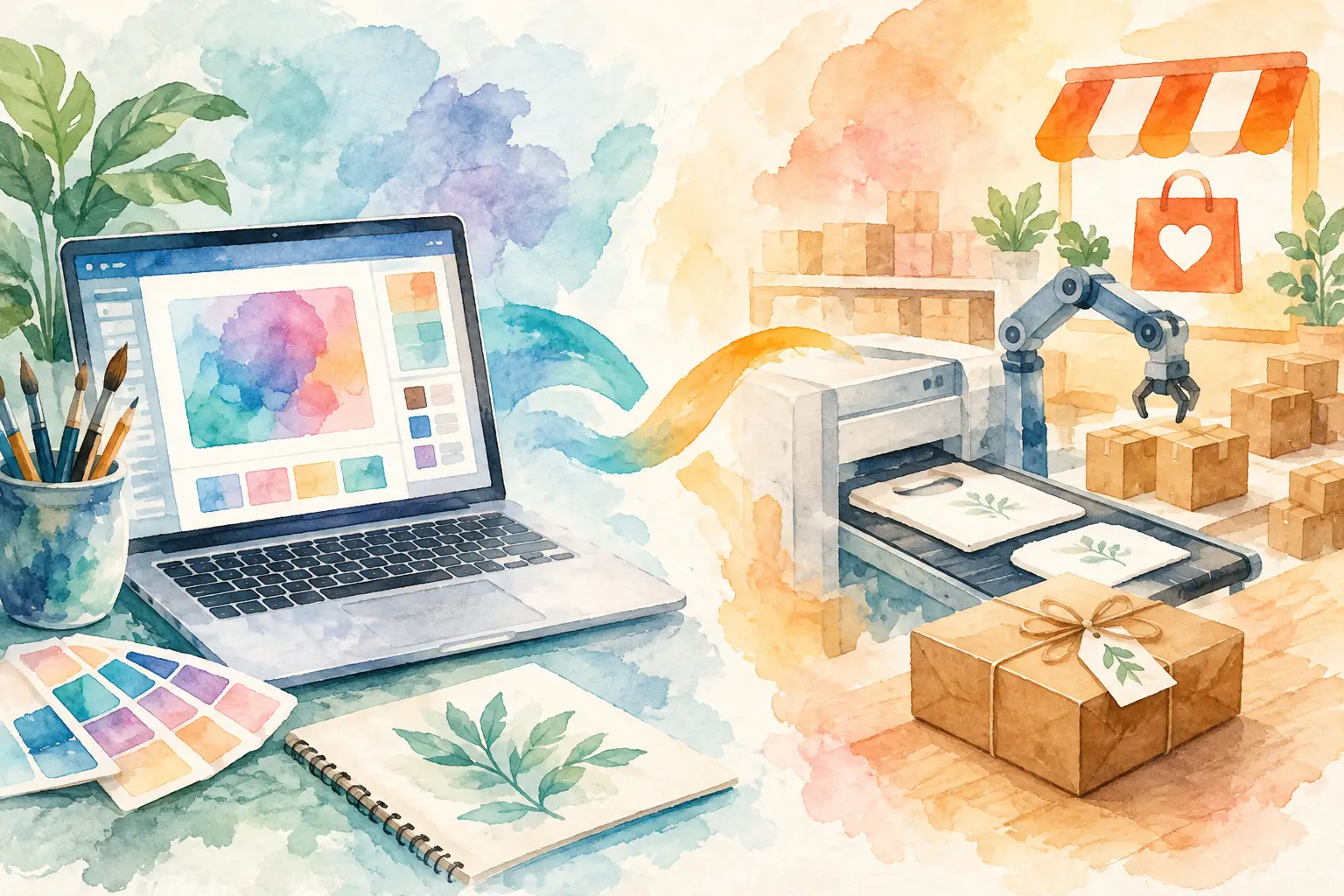
A single Etsy idea can turn into 20 files fast: five wall-art sizes, a matching clip-art pack, listing images, a planner cover, and maybe a sticker sheet. That is where Canva versus production automation becomes a real business decision, not a software preference. One helps you design individual pieces. The other helps you build a repeatable system for filling your shop.
Canva is useful, familiar, and flexible. Production automation is built for a different job: turning one creative direction into a coordinated batch of sellable products with less hands-on work. The best choice depends on what is slowing down your shop right now.
Canva is a design workspace
Canva gives sellers a visual canvas, templates, text tools, elements, and layout controls. It is particularly handy when you already have finished art and need to add a title, create a listing image, make a Pinterest pin, or place a design on a mockup.
For a one-off task, that control feels great. You can move every element, swap fonts, test colors, and make small changes until the layout looks right. A new seller can create a simple printable without learning Photoshop.
The limitation appears when one product becomes a collection. Canva does not decide what five complementary products belong in your next theme. It does not generate a planned range of matching artwork from a single visual idea. You still need to create or source the art, choose variations, duplicate pages, adjust every file, export each version, and keep track of what is ready to list.
That is not a failure of Canva. It is simply a general-purpose design tool. If your shop is based on custom layouts, branded social content, or occasional edits, it can be exactly what you need.
Production automation is a shop workflow
Production automation starts with the question Etsy sellers ask every week: how do I turn this promising idea into enough polished inventory to sell?
Instead of opening a blank canvas for every product, you provide a creative direction. That might be a text concept such as "moody botanical mushrooms," or a reference image that captures the style you want. The system plans and creates coordinated variations, then handles the repetitive finishing work needed to turn those visuals into product files.
For digital-product sellers, the difference is significant. You are not only making an image. You are building an assortment: printable wall art, transparent clip art, junk-journal pages, coloring pages, planner covers, stickers, or print-on-demand designs that look like they belong together.
A production workflow can also remove backgrounds, upscale images, apply layouts, and prepare exports while you work on the next collection. Rather than spending Saturday night duplicating artboards and checking dimensions, you can review the output, choose your strongest files, and move toward listing.
Canva versus production automation: the daily trade-off
The easiest way to compare these approaches is to look at the work after the first idea arrives.
With Canva, the process is usually manual. You create or import the artwork, build each design, resize it, make variations, name exports, and organize your product folder. Templates can speed this up, but you remain the production manager for every step.
With production automation, the process is collection-first. The platform is designed to generate a family of related assets and finish them for a sales channel. Your role shifts from repeated execution to creative direction and quality control.
That does not mean automation removes your judgment. It should not. You still decide whether a collection fits your shop, whether the colors are right for your customers, and which files deserve a listing. The win is that you are no longer spending your best creative energy on tasks a system can repeat consistently.
The trade-off is precision. Canva gives you more direct control over every pixel on a page. Automation gives you more output with less manual handling. A seller producing highly customized wedding stationery may prefer a design workspace. A seller building themed printable collections every week will usually benefit more from a production system.
Where manual design starts costing you sales
Most Etsy sellers do not run out of ideas. They run out of time between idea and upload.
A trend pops up, you spot a seasonal niche, or a customer requests a new style. Then the production chain begins: prompts, generations, cleanup, background removal, resizing, layouts, export settings, folders, titles, and listing photos. By the time the collection is ready, you may have missed the moment or postponed the next product line.
Manual production also makes consistency harder. You might create a beautiful first image, then struggle to make the next ten feel like part of the same collection. That can weaken bundles and make your storefront look scattered. Shoppers often buy more when they can instantly see a complete visual world, not a random pile of individual downloads.
Automation helps because it treats consistency as part of production, not something you have to rebuild from scratch each time. It lets a single theme become a recognizable set of products your buyer can collect.
What Etsy-ready automation should handle
Not all automation is equally useful for an Etsy shop. A tool that only makes one pretty image still leaves you with most of the operational work. Look for a workflow that supports the full path from concept to upload-ready assets.
For many shops, that means creating coordinated variations, not unrelated generations. It means clean transparent PNGs for clip art and stickers, print-ready files for wall art, and export options that work with the rest of your business. It also means output large enough for the intended product, including 300 DPI files when print quality matters.
The workflow should reduce tool sprawl rather than create another tab to manage. If you have to generate in one tool, remove backgrounds in another, upscale elsewhere, build layouts in Canva, and organize exports manually, you have not really automated production. You have just moved the bottleneck.
InkEngine is designed around this collection workflow for Etsy sellers. One prompt or reference image can become a coordinated product series, with style capture, variation planning, image finishing, layouts, and Etsy-ready JPEG or PNG exports handled in one production flow. That is a different promise from a blank design canvas: less repetitive work between your concept and your next listing.
Use both when the job calls for it
This is not always an either-or decision. Many successful sellers use automation for inventory creation and a design tool for final marketing touches.
For example, production automation can create a 30-piece watercolor fruit clip-art collection with transparent backgrounds and matching printable papers. You might then use Canva to make a branded shop announcement, a custom comparison chart for the listing photos, or a seasonal email graphic. In that setup, Canva supports marketing while automation handles the inventory engine.
That division is practical because it puts each tool where it earns its place. Use manual design when a specific layout needs your eye. Use automated production when repetition is preventing you from releasing more collections.
Choose based on the bottleneck, not the feature list
If you are launching your first few listings and want to learn basic design, Canva can be a sensible starting point. It gives you room to experiment without needing advanced software skills.
If you already know your niche but cannot produce enough coordinated listings, your bottleneck is not access to more templates. It is production capacity. You need a way to move from one good idea to a complete collection without giving up evenings to file cleanup and duplicate tasks.
Your shop does not need more complicated software to grow. It needs a process that lets your creative direction do more work. Pick the workflow that gets your next collection finished, exported, and ready for buyers while you still have energy for the idea after that.
Fill your shop with a matching collection this weekend.
Start your first collectionFree to start. No credit card.