Bulk Design Comparison: What Etsy Sellers Need
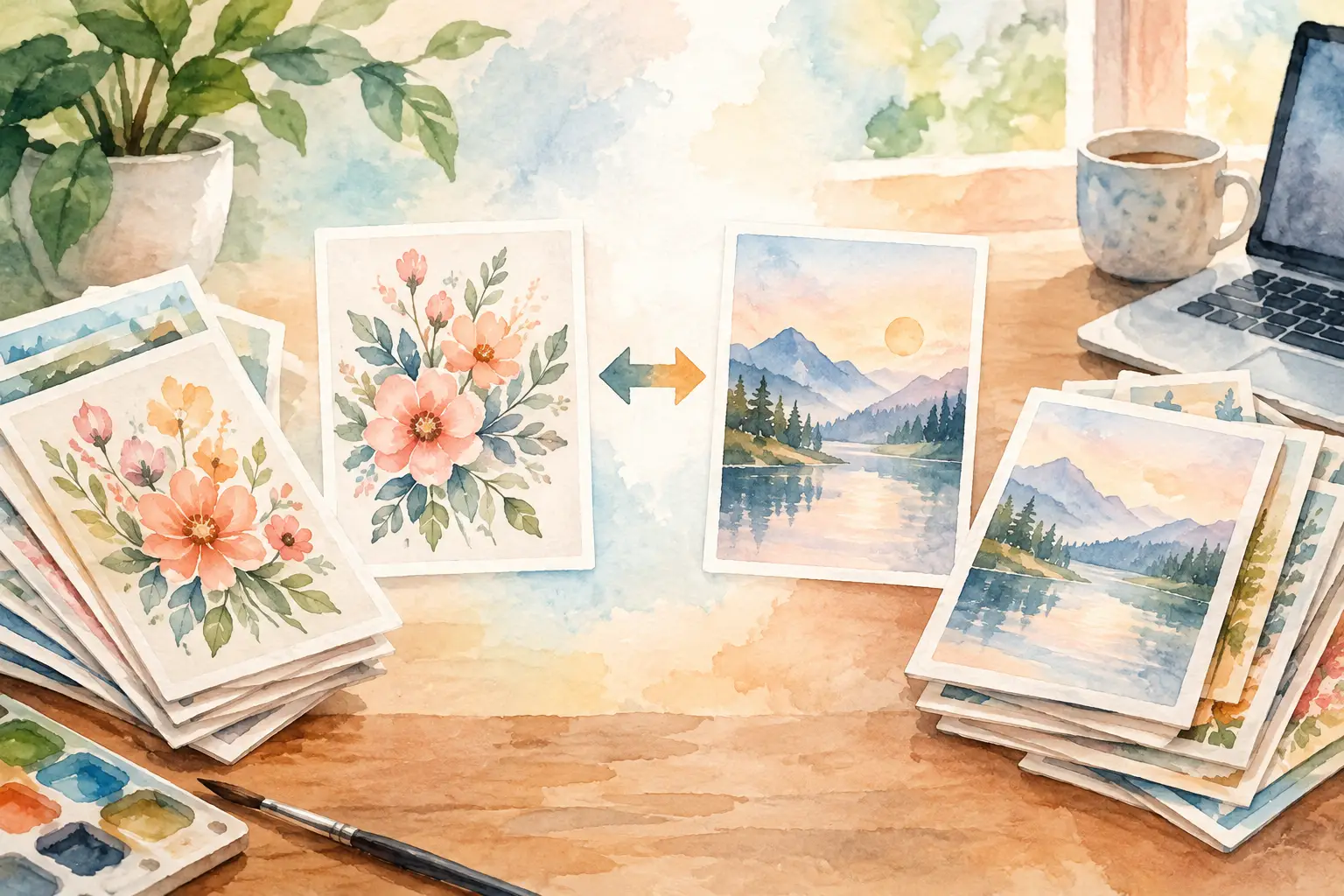
A single pretty image does not fill an Etsy shop. A sellable collection does. If you are creating wall art, clip-art bundles, planner pages, or print-on-demand designs, the real workload starts after the first design: matching variations, clean files, product sizes, titles, and enough inventory to make your shop feel active. This bulk design comparison looks at the practical ways sellers create high-volume design inventory - and where each option helps or slows you down.
The best choice is not always the tool with the most features. It is the workflow that turns one strong product idea into a coordinated set of listings without eating your nights and weekends.
What bulk design really means for an Etsy shop
Bulk design is not copying the same file 20 times and changing a color. It is creating a planned family of products from one creative direction. A cottagecore mushroom concept, for example, might become a set of printable wall art, individual transparent PNG elements, journal papers, sticker sheets, a coloring page, and a planner cover.
Each item needs to feel related without looking repetitive. Buyers want a bundle that looks intentional. Etsy search also gives you more opportunities when a theme can support several relevant listings and formats.
That is why the production question is bigger than, “Can this tool make an image?” The useful question is, “Can this process produce a complete, consistent collection I can actually package and sell?”
Bulk design comparison: four ways to build inventory
Most sellers land in one of four production models. The right fit depends on how much control you need, how many products you publish, and how much manual work you can afford to take on.
| Production method | Best for | Main advantage | Main trade-off | |---|---|---|---| | Manual design software | Original illustrations and precise layouts | Maximum hands-on control | Slowest option for large collections | | Single-image AI generators | Testing visual ideas | Fast concept generation | Variations often need separate prompting and cleanup | | Template-based design tools | Text-heavy products and simple edits | Familiar drag-and-drop workflow | Can become repetitive across many files | | Collection-first AI workflows | Coordinated digital product lines | Builds related assets from one direction | Less suited to pixel-by-pixel illustration work |
Manual design software: control with a time cost
Photoshop, Illustrator, and similar programs give experienced designers serious control. You can refine every edge, build a precise layout, and make files exactly as you want them. For custom typography, hand-drawn work, or products where every visual detail matters, that control is valuable.
But manual design does not scale gracefully for a seller trying to publish consistently. Creating 30 matching assets means opening, editing, exporting, naming, and organizing 30 files. Add background removal, mockups, and listing preparation, and one collection can quietly consume an entire weekend.
This approach works when design itself is your craft and your product pricing supports the time involved. It is a harder fit when your goal is to build a broad catalog of affordable digital downloads.
Single-image AI tools: fast starts, fragmented finishing
General AI image generators are useful for finding a visual direction quickly. You can test prompts, explore styles, and produce a hero image that helps you decide whether an idea deserves a full collection.
The friction shows up after that first good result. To make a bundle, you may need to write new prompts for every variation, try to recreate the style, download assets individually, remove backgrounds elsewhere, upscale files in another tool, and assemble layouts in another program. You can get there, but you become the project manager for a stack of disconnected tasks.
There is also a consistency problem. A single prompt does not guarantee that the next 12 images will share the same palette, line quality, composition, or character details. Sellers often spend more time chasing a match than they expected.
Template tools: useful, but still hands-on
Template-based editors are a natural choice for printable planners, quote art, invitations, and other products that depend on text and layout. They are approachable, and they make it easy to move elements around, add a title, or resize an existing design.
The limitation is that templates organize the editing step, not the idea-generation step. You still need artwork, matching elements, a plan for the bundle, and the patience to repeat the same assembly work across every product. For a handful of listings, that may be perfectly reasonable. For a shop that needs fresh collections every week, manual duplication can become the bottleneck.
Use templates when layout is the product. Do not expect them to solve collection planning or asset creation on their own.
Collection-first workflows: built for the listing pipeline
A collection-first workflow starts with the outcome Etsy sellers actually need: a complete set of related products. Instead of asking for one image at a time, you begin with a concept or reference image and plan the range of assets around it.
This is where a specialized platform such as InkEngine changes the equation. Its Autopilot workflow can turn one direction into coordinated print-ready art, clip art, papers, covers, stickers, coloring pages, and more, while handling production steps that usually require several tools. The goal is not to replace your taste. It is to remove the repetitive execution work between idea and listing.
This model is especially useful when you are building themed bundles, seasonal inventory, or a recognizable shop style. You still choose the niche, review the output, and decide what earns a place in your store. The system handles more of the repetition in the middle.
Compare the work, not just the image quality
A tool can produce an attractive image and still be the wrong tool for your business. When comparing bulk design options, look at the full path from concept to downloadable product.
Can it preserve a visual direction?
A collection needs a shared visual language. That could mean watercolor florals with soft blue backgrounds, bold retro fruit with thick outlines, or neutral boho shapes with simple texture. If every asset requires a fresh prompt and a lucky result, style consistency becomes fragile.
Look for workflows that use your starting image or creative direction as an anchor. The closer your variations stay to the intended style, the less time you spend rejecting near-misses and manually fixing mismatched files.
Can it create the formats buyers expect?
One illustration may need to become several commercial formats. A wall art buyer needs a high-resolution printable. A clip-art customer expects transparent PNGs. A junk-journal bundle may need full-page pattern papers. A print-on-demand design needs a clean composition and enough resolution for its intended product.
Before choosing a workflow, ask whether it helps you finish those files or only creates raw artwork. Background removal, upscaling, layout editing, and JPEG or PNG export are not glamorous features. They are the difference between an idea sitting in a folder and a product ready to upload.
For printables, also check the final pixel dimensions, not only a “300 DPI” label. DPI matters when paired with sufficient dimensions for the size you are selling. A 300 DPI file that is too small will not suddenly become a large, sharp printable.
Can it reduce tool switching?
Tool sprawl has a hidden cost. You may not notice it in one afternoon, but it adds up: generate in one place, remove a background in another, upscale elsewhere, edit text in a fourth app, then find a separate way to organize exports.
The more handoffs a product requires, the more likely you are to lose files, skip quality checks, or postpone publishing. A simpler workflow gives you more time for the work that actually grows a shop: researching demand, improving thumbnails, writing clearer titles, and responding to customers.
Can it support your publishing volume?
A first-time seller may only need five polished listings to validate a niche. An established shop might need 20 to 50 fresh products around a holiday trend before demand peaks. Neither goal is wrong, but they call for different production capacity.
Manual tools can be enough at low volume. At higher volume, look for batch-friendly generation, coordinated variations, and exports that do not require one file at a time. The right system should make more inventory possible without lowering your standards or adding more unpaid labor.
The trade-off: speed still needs seller judgment
Fast production is not a license to publish everything. AI-generated assets should still be reviewed for odd details, incomplete objects, unusable text, weak composition, and technical quality. A fast workflow gives you more candidates. Your judgment turns those candidates into a product line buyers trust.
You also need to understand the commercial terms of any tool you use and avoid building listings around protected characters, logos, trademarked phrases, or copied artists’ styles. The safest product strategy is a clear niche, an original creative direction, and files that you have personally checked before selling.
Think of bulk creation as a way to test more ideas with less friction. If a theme does not perform, you have not spent 15 hours hand-building every variation. If it does perform, you can expand it quickly with related products that make sense together.
Choose the workflow that leaves room to run your shop
If you love detailed illustration and sell premium custom work, manual software may remain central to your process. If you are testing a new visual niche, a single-image generator can help you find a direction. If your products are mostly text and layout, templates are useful.
But if your goal is to grow a digital-product catalog with coordinated art, clean files, and enough listings to create momentum, choose a collection-first process. Your creative vision should be the starting point, not a pile of repetitive tasks waiting at the end. Build the collection, review what is worth selling, and use the hours you save to make your next smart shop move.
Fill your shop with a matching collection this weekend.
Start your first collectionFree to start. No credit card.