How to Batch Create Etsy Collections Fast
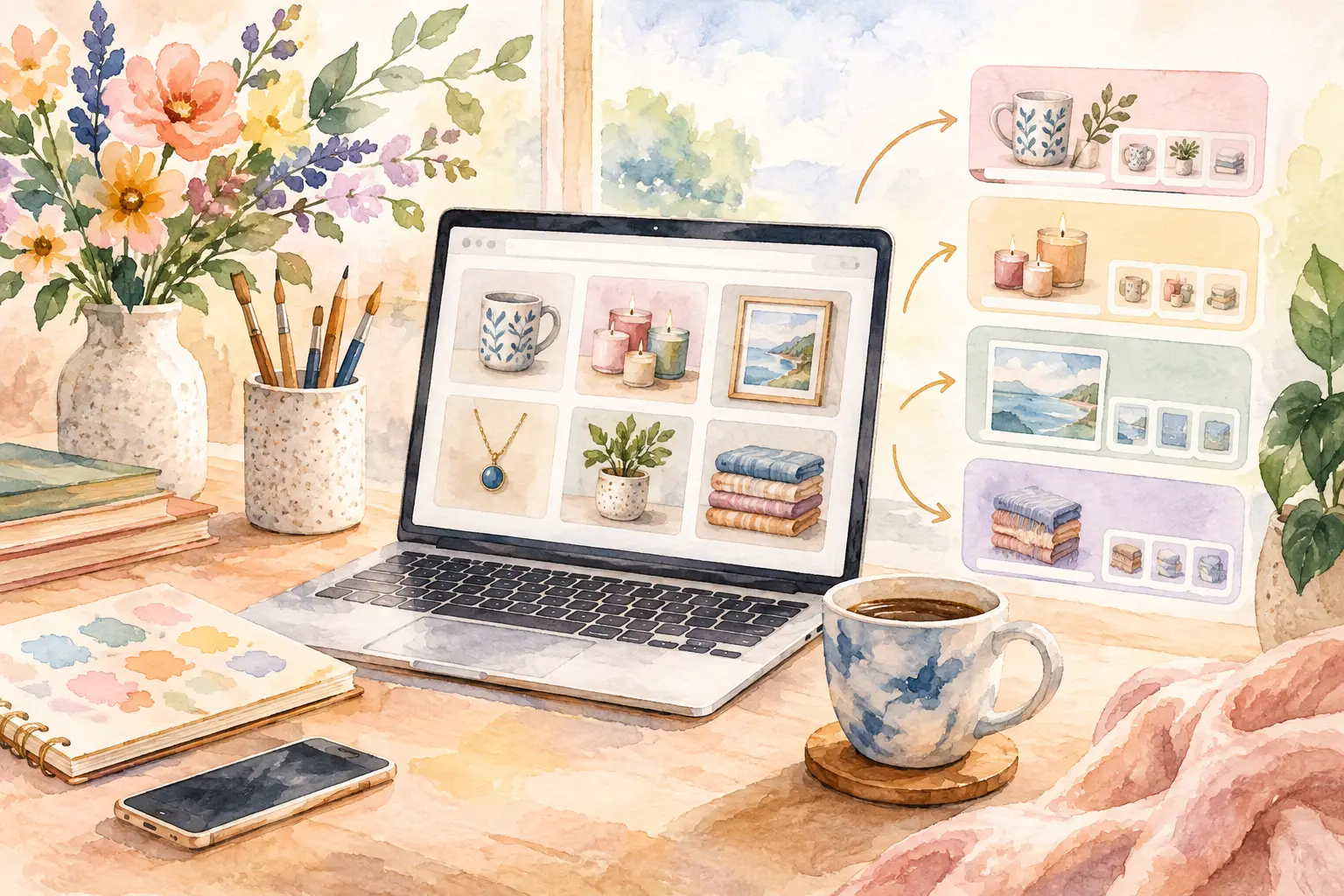
A single cute mushroom illustration can become a wall-art set, a transparent clip-art bundle, junk-journal papers, stickers, and a coloring-page pack. The hard part is not having the idea. It is producing every matching file, cleaning it up, naming it, and getting it ready to list before your next free weekend disappears. Learning to batch create Etsy collections changes that production math.
Instead of treating each Etsy listing as a separate design project, treat one strong creative direction as a product family. You make the creative decisions once, then build useful variations around them. That approach gives your shop more inventory, clearer branding, and a better chance to earn from the same concept in several formats.
Why single-file creation keeps Etsy shops small
Creating one image at a time feels productive because there is always something finished at the end of the session. But it also creates a hidden workload. You have to remember the original prompt, recreate the style, adjust colors, remove backgrounds, resize files, and repeat the same listing setup again and again.
That process gets especially expensive when you are building digital products after work, between family responsibilities, or during the few hours you set aside for your side hustle. A shop with ten unrelated designs can look active. A shop with coordinated collections gives buyers more reasons to browse, bundle, and come back.
Collections also make better use of Etsy search behavior. A buyer looking for whimsical woodland nursery art may want a matching printable set. Someone buying watercolor florals for a planner may also need decorative clip art or journal pages. You are not forcing every buyer into one product type. You are meeting the same aesthetic need in several practical ways.
The trade-off is that a collection needs a plan. More files are not automatically more valuable. Twenty random images in slightly different styles are harder to package than eight pieces that clearly belong together.
Start with an idea that can carry a collection
The best collection ideas have both a recognizable look and room for variation. Think “vintage botanical butterflies,” “cozy bookshop cats,” “retro western cowgirl,” or “soft pastel baking icons.” Each direction has a subject, a mood, and a buyer who can picture where they would use it.
Before generating anything, decide what stays fixed. That might be the color palette, line quality, era, paper texture, or character style. Then choose what can change: poses, objects, seasonal details, backgrounds, compositions, or text treatments.
For example, a coastal grandmother collection could hold cream, faded blue, and sand tones steady while varying shells, lemons, hydrangeas, striped umbrellas, and antique postcards. This gives buyers variety without making the bundle feel scattered.
A simple collection brief can be written in one sentence: “Create warm, hand-painted autumn market artwork with muted oranges, olive green, cream paper texture, and charming vintage detail.” That brief becomes your guardrail. If an asset does not fit, it does not belong in this batch.
Choose a format before you make the assets
Decide where the collection will earn before you generate dozens of images. A clip-art bundle needs clean individual subjects and transparent PNG files. Wall art needs strong compositions that still look good at common print ratios. Junk-journal kits need layered-looking papers, ephemera, labels, and coordinated pages. Stickers need clear edges, readable shapes, and space around the design.
You can absolutely repurpose a visual direction across formats. Just do not assume one square illustration will work everywhere without adjustment. Planning for the end use saves you from producing pretty files that need hours of manual repair.
Use a collection map, not a pile of prompts
Prompt-by-prompt creation is where most sellers lose momentum. You generate one image, like it, try to make another one match, then spend half an hour changing words that should not matter. A collection map replaces that guessing with a repeatable production plan.
For a 12-piece collection, map out the roles before generation. You might create four hero illustrations, four supporting elements, two pattern or paper designs, one cover image, and one bonus asset. The exact number depends on your niche and price point, but every file should have a job.
Your hero pieces are the designs that sell the idea at a glance. Supporting elements add bundle value and give buyers flexibility. Patterns, papers, or backgrounds create depth. A cover image helps the listing look finished instead of assembled at the last minute.
This approach is also useful for seasonal inventory. Rather than chasing every holiday trend with one-off products, create a compact collection around one buyer-friendly theme. A Valentine’s Day tea-party set can become printable art, sticker sheets, tags, and clip art without requiring four separate creative concepts.
Batch create Etsy collections with style consistency
Consistency is what turns a bundle into a collection. Buyers may not describe it as style capture or visual continuity, but they notice immediately when one image looks hand-painted, another looks like a flat vector, and a third has completely different lighting.
Keep your reference direction consistent from the first asset to the last. Reuse the same core style language, palette, and visual constraints. If you are working from a reference image, use it to establish the look rather than copying its exact subject matter. Your goal is a recognizable family of original products, not a batch of near-duplicates.
InkEngine is built around this collection-first workflow. You can start from one text idea or a reference image, set the product direction, and generate coordinated assets rather than manually chasing a match across disconnected tools. That matters when you want a sellable set, not just a single image you are proud of.
Still, review the batch with a shop-owner eye. Ask whether the colors work together in listing thumbnails, whether each item feels distinct enough to add value, and whether a buyer can immediately see why the files belong in one download. Remove weak pieces. A tighter 10-file bundle often sells better than a 30-file folder full of filler.
Make variations buyers can actually use
Useful variation is not the same as random variation. Change elements that affect how a buyer uses the product. For clip art, offer different poses, individual objects, and a few decorative accents. For wall art, create complementary scenes or quote-free compositions that can hang as a set. For planner covers, vary the title area and layout while preserving the core look.
Avoid making every file a tiny adjustment of the same image. Five nearly identical pink bows are less useful than a bow, ribbon, gift tag, floral accent, frame, and patterned paper in the same style. Think like your customer: what helps them finish a project, decorate a space, or create their own content?
Finish the files before you think about listings
A beautiful image is only half a digital product. Etsy buyers expect files that are simple to download and use. If the asset requires them to remove a messy background, guess the print size, or crop out stray edges, you have moved your production work onto the customer.
Finish the batch according to the product type. Clip art should have clean transparent backgrounds and be exported as PNGs. Printable wall art should be high resolution and prepared for the sizes you advertise. Journal papers and printable pages should be easy to print at home. Product covers need readable text and enough contrast to work in a small Etsy thumbnail.
For print products, 300 DPI is a useful quality target when the intended dimensions support it. For digital downloads, include file names that make sense without opening every image. “Autumn_Market_Pumpkin_01” is much kinder to buyers than “final-final-7.png.”
Export format matters, too. JPEG files are practical for many printable art files and full-background designs. PNG is usually the better choice for transparent clip art, stickers, and design elements. Keep the download organized by product type so buyers can find what they paid for quickly.
Turn one collection into smarter listings
You do not need to cram every format into one listing. In fact, separate listings often give buyers clearer choices and give your shop more opportunities to appear in relevant searches. The same visual collection can support a clip-art bundle listing, a printable wall-art set, a junk-journal paper pack, and a smaller themed add-on.
Use the same collection name or a clear naming pattern across listings. This helps shoppers recognize related products when they visit your storefront. Keep the thumbnail style consistent, too. A buyer should be able to spot your “Cozy Autumn Market” collection without reading every title.
Be honest about what is included. Show the number of files, formats, dimensions, and whether backgrounds are transparent. If you sell a digital product, state that no physical item will be shipped. Clear expectations reduce messages, prevent disappointment, and protect your review quality.
There is a balance here. Splitting a collection into several listings can raise your shop’s visibility, but splitting it too far can make each purchase feel thin. Let the buyer value decide. A substantial clip-art pack may stand alone, while a small group of matching tags may work better as an add-on or bonus inside a larger kit.
Build a repeatable weekly batch
Once you have a process, collection creation stops feeling like a giant project. Set aside one planning session to choose themes and collection maps. Use another block to generate and select assets. Then finish, export, and prepare listing materials in one focused pass.
The biggest time saver is separating decisions from production. Do not choose the theme, rewrite prompts, fix backgrounds, name files, and write titles all at once. Each task pulls your attention in a different direction. Batching lets you stay in one mode long enough to move quickly.
Your next best-selling Etsy collection may start as one small visual idea you almost skipped because it seemed too simple. Give that idea a system, make every variation earn its place, and let the finished set do more work for your shop than a single file ever could.
Fill your shop with a matching collection this weekend.
Start your first collectionFree to start. No credit card.