Automated Bundles Versus Custom Design for Etsy
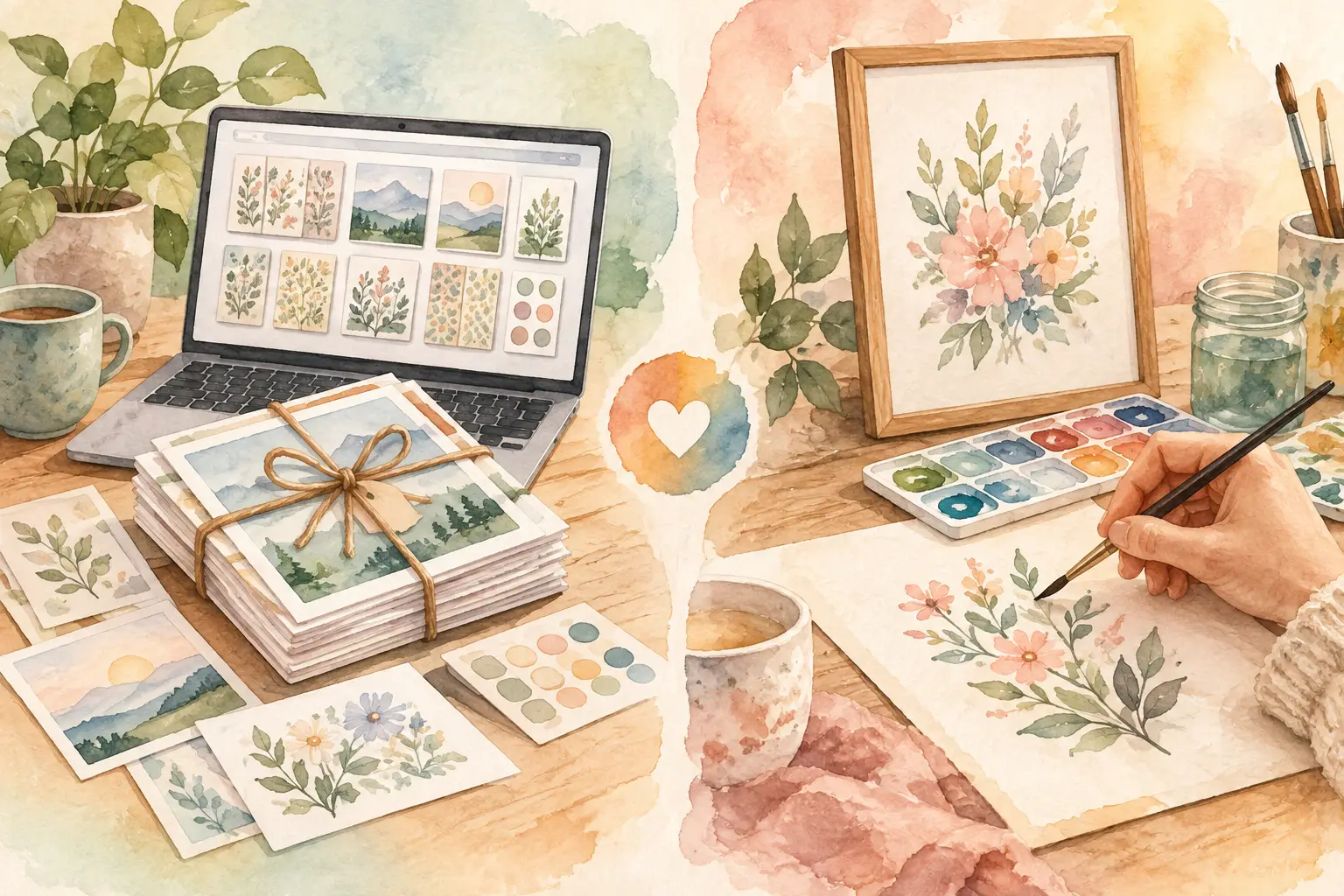
A single good idea can become a full Etsy collection - or it can become the kind of project that eats your entire Saturday. That is the real decision behind automated bundles versus custom design. You are not just choosing how an image gets made. You are choosing how much time, consistency, and creative control each new listing requires.
For most digital-product sellers, the best answer is not picking one method forever. It is knowing when a collection needs speed and when a product needs your full custom attention.
What automated bundles actually solve
Automated bundles start with one creative direction: a theme, a short text prompt, or a reference image. From there, the system plans and produces coordinated assets that belong together. Instead of creating one floral illustration, then trying to manually make 20 matching files, you begin with the collection in mind.
That matters because Etsy buyers rarely shop for isolated images. They buy a set of 12 boho nursery prints, 40 watercolor wildflower clip-art pieces, or a themed pack of junk-journal papers. A bundle feels more useful, more complete, and easier to justify at a higher price point than a single asset.
The production advantage is simple. A bundle workflow reduces the repeated work that happens after the original idea: rewriting prompts, checking style consistency, removing backgrounds, resizing files, and organizing exports. The creative decision stays at the front. The repetitive execution moves out of your way.
For a seller building inventory, that can change the math of the week. Rather than spending several hours making a handful of loosely related products, you can use that time to choose stronger niches, improve listing presentation, and test more collection ideas.
Where automation gives Etsy sellers an edge
Automation is especially useful when the value of the product comes from volume, coordination, and fast delivery. Think seasonal clip art, planner sticker sets, coloring-page packs, printable wall-art series, and print-on-demand design collections.
It also helps protect your visual consistency. When every item in a set needs the same palette, subject treatment, and level of detail, making assets one at a time introduces drift. The first image may be exactly right. By image 14, the line weight, mood, or composition can be noticeably off. Buyers may not describe that problem in those terms, but they see it.
A coordinated workflow gives your shop a more intentional look. That affects more than one listing. It can help shoppers recognize that several products came from the same seller, which is how a catalog starts to feel like a brand instead of a folder of unrelated files.
When custom design is worth the extra time
Custom design means you direct the work asset by asset. You may sketch, edit individual details, build layouts manually, or keep refining until one product matches a very specific vision. It is slower by nature, but that does not make it the wrong choice.
Custom work is often the better fit when the product depends on a precise message, a detailed layout, or a narrow buyer request. A personalized family-name print, a wedding invitation suite, a logo-like graphic, or a niche product with strict visual requirements may need deliberate decisions that should not be automated away.
It is also valuable when you are establishing a new signature style. Early on, you may need room to experiment with colors, motifs, formats, and audience response. The goal is not maximum output yet. The goal is finding a product direction you can confidently scale later.
There is a hidden cost, though. Custom design can turn every new SKU into a fresh production project. If your shop relies on you manually creating, polishing, and exporting every variation, growth eventually runs into your available hours. That is manageable for premium, low-volume products. It is much harder for a shop trying to build a broad catalog of downloadable goods.
Automated bundles versus custom design: the practical trade-off
The clearest difference is not quality. Both approaches can produce sellable work. The difference is where you spend your attention.
With custom design, you spend more time on individual execution. You can control every object, composition choice, and finishing detail, but you must repeat that process across the collection. With automated bundles, you spend more attention setting the direction and reviewing the results. You give up some moment-by-moment control in exchange for a much faster path to a coordinated product line.
That trade-off depends on what you sell. If you offer one-off premium designs with extensive personalization, custom work may remain central. If you sell files people want in themed sets, automation is usually the more profitable operating model.
A useful question is this: will the buyer pay more because you manually adjusted every asset, or will they pay more because the bundle gives them more useful, matching options? For many Etsy categories, the second answer wins.
Use a hybrid workflow, not an either-or rule
Strong shops often use both methods in one workflow. Start with custom creative direction, then automate the production work around it.
You might develop a distinctive retro Halloween look, choose the strongest palette and reference image, then generate a full collection around that direction. Next, review the files, keep the best variations, make a few targeted edits, and build the listing. You are still the creative lead. You are simply not volunteering to do the same production task 30 times.
This approach works well for sellers who worry that automation will make their shop look generic. The tool does not have to choose your niche, taste, or standards. You choose the concept, reject weak outputs, and decide what reaches your storefront. Automation handles the repeatable parts that do not need your hand on every click.
InkEngine is built around that collection-first workflow. One idea or reference can become coordinated, print-ready assets, while tools for upscaling, background removal, layouts, and Etsy-ready exports keep the work moving from create to finish to list.
Choose based on your product economics
Before starting your next collection, look at the product through a business lens. How many files does the listing need to feel valuable? How often will you need new variations? How much of the customer-facing value comes from a coordinated set rather than one perfect image?
If the answer is “a lot,” bundle automation deserves a place in your process. A 30-piece clip-art pack should not require 30 separate design sessions. The same is true for matching journal papers, classroom printables, and wall-art sets designed to be purchased together.
Also consider the technical finish. Digital buyers expect usable files, not just attractive previews. A beautiful image with a messy background, poor resolution, or the wrong export format creates customer-service work later. Whether you create manually or automate, build a final quality check into every listing: inspect the files, confirm dimensions, verify 300 DPI where appropriate, and make sure transparent PNGs are actually clean around the edges.
Custom work can command more time when it supports a clear premium promise. For example, a highly specific personalized design may earn enough to justify individual attention. But do not confuse “I spent a long time on it” with “customers will pay more for it.” Your production time is a business cost, even when it comes out of your evening.
Build a catalog that does not depend on your weekends
The goal is not to remove your creativity from your shop. It is to stop using your creativity as cheap manual labor.
Save custom design for work that truly needs a personal decision at every stage. Use automated bundles for repeatable collections where matching assets, file volume, and publishing speed create the value. That gives you room to test more ideas without turning every product launch into a marathon.
Your next best seller may start as one clear concept. Make sure your production process is ready to turn that concept into a collection before the momentum disappears.
Fill your shop with a matching collection this weekend.
Start your first collectionFree to start. No credit card.